Tarjetas de estudio de Git

69 tarjetas. Cada una explica un comando, parte por parte.

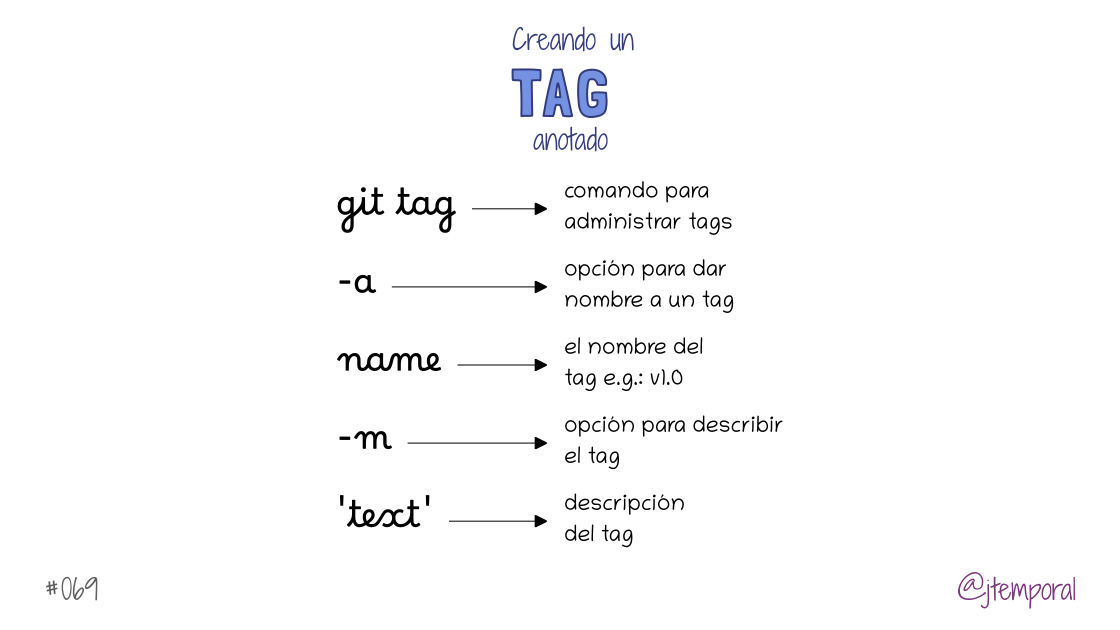
#069: Creando un tag anotado. git tag -a name -m 'text'
#069 git tag -a name -m 'text'
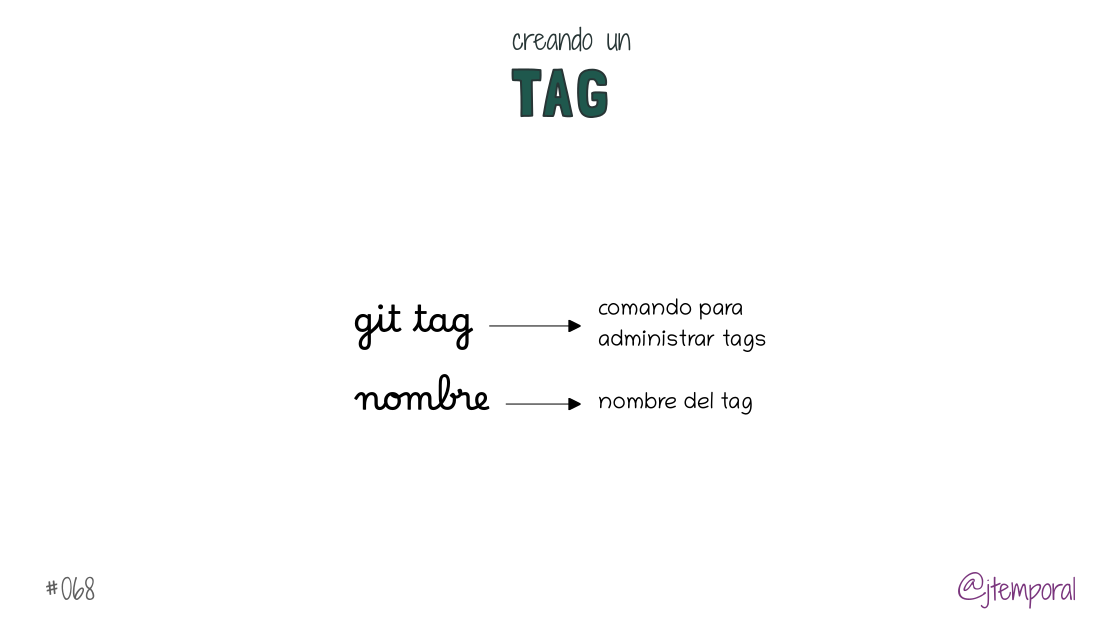
#068: creando un tag. git tag nombre
#068 git tag nombre
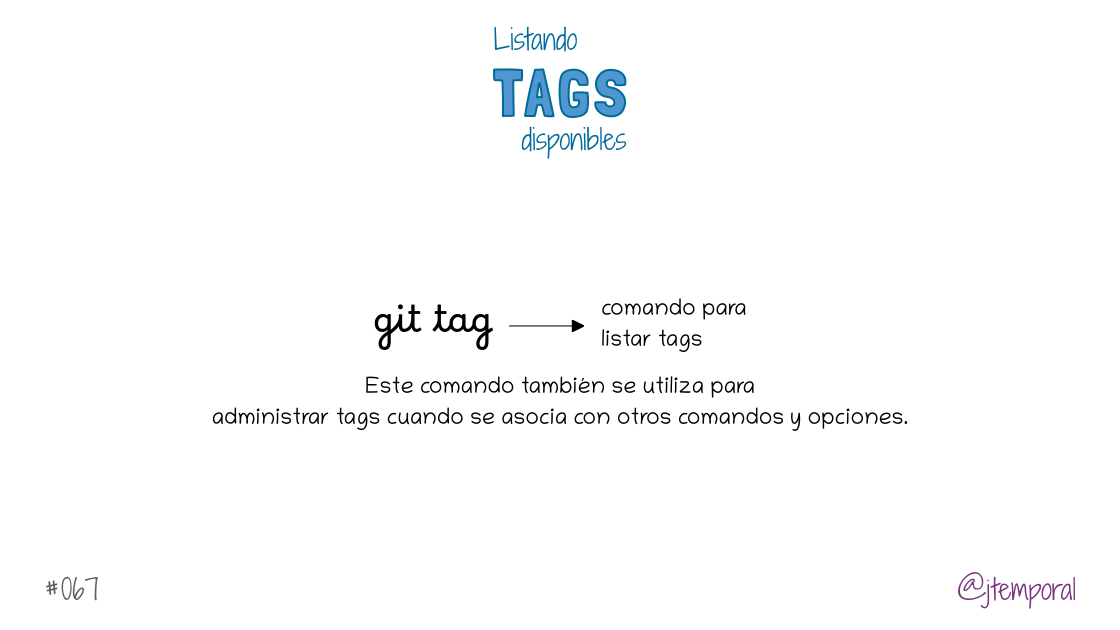
#067: Listando tags disponibles. git tag
#067 git tag
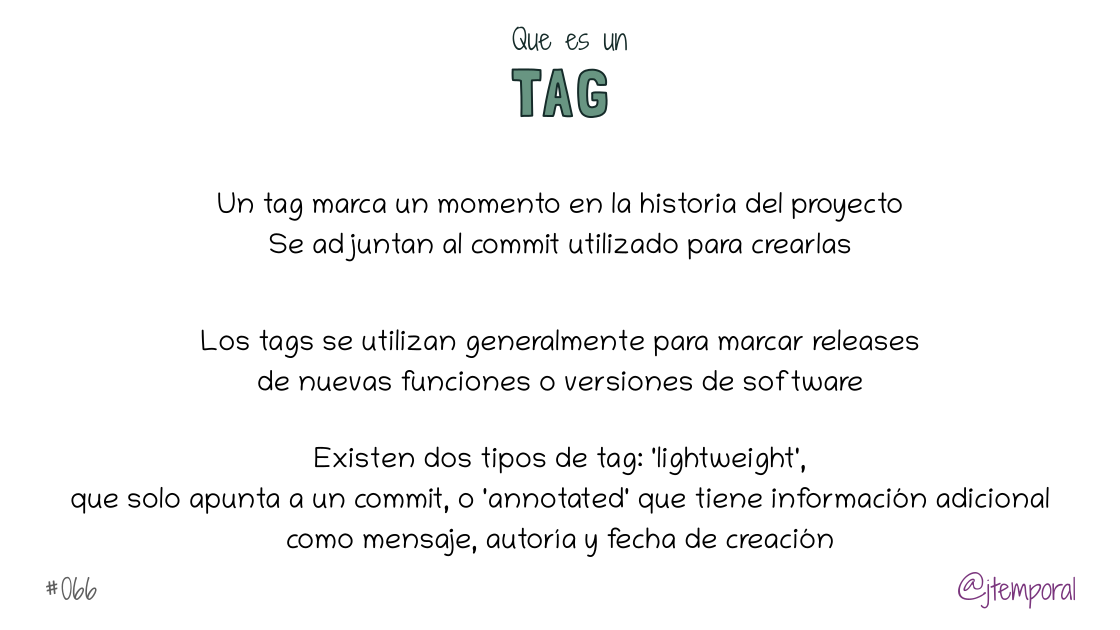
#066: Que es un tag
#066 Que es un tag concepto
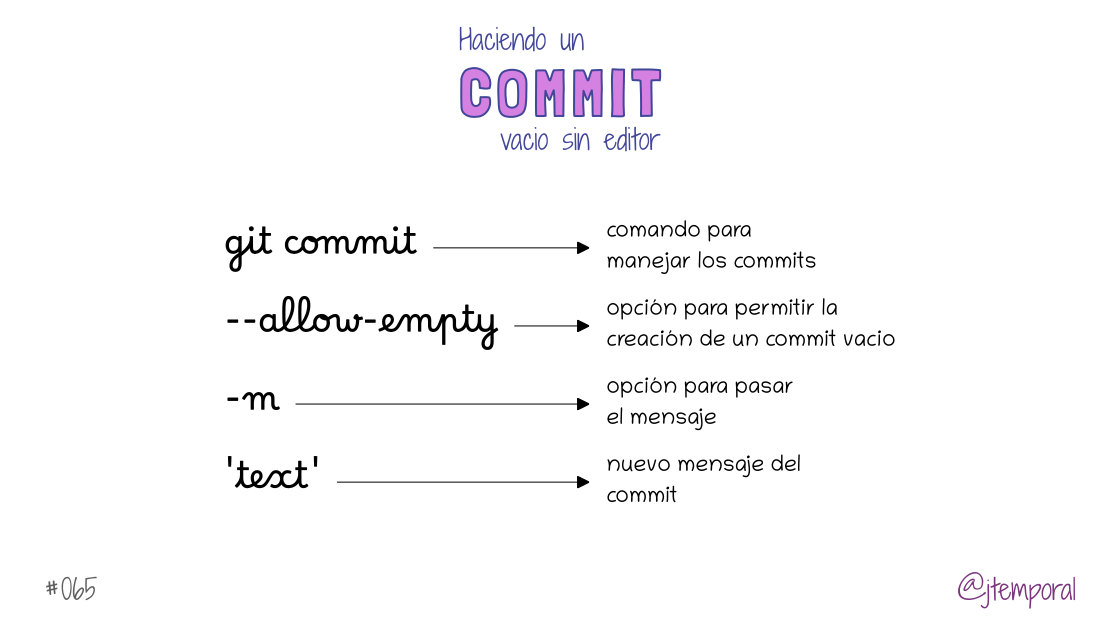
#065: Haciendo un commit vacio sin editor. git commit --allow-empty -m 'text'
#065 git commit --allow-empty -m 'text'
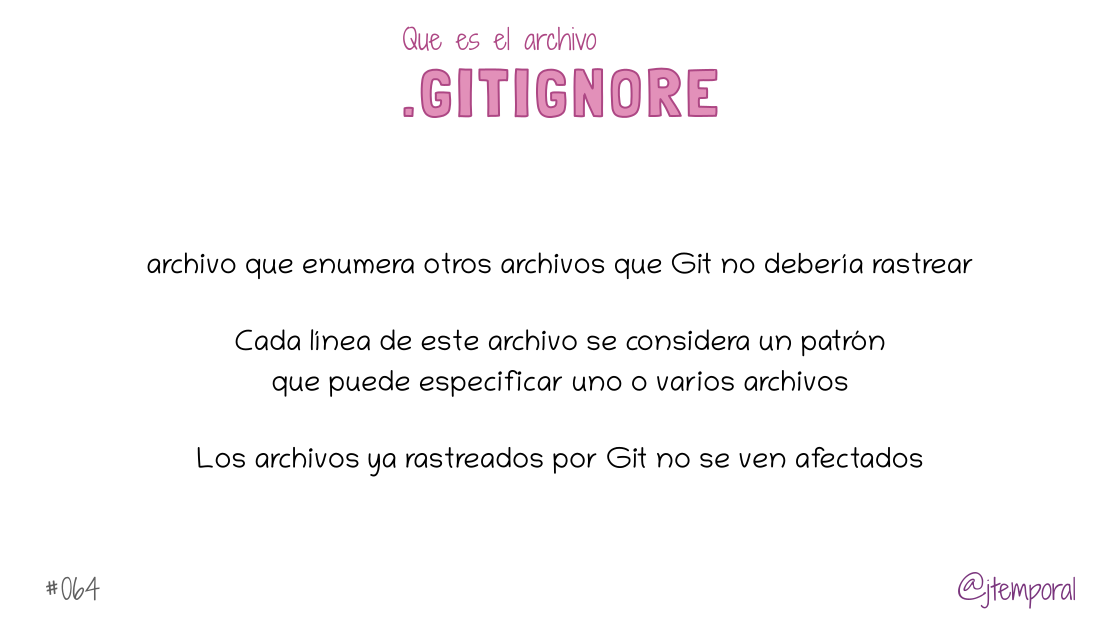
#064: Que es el archivo .gitignore
#064 Que es el archivo .gitignore concepto
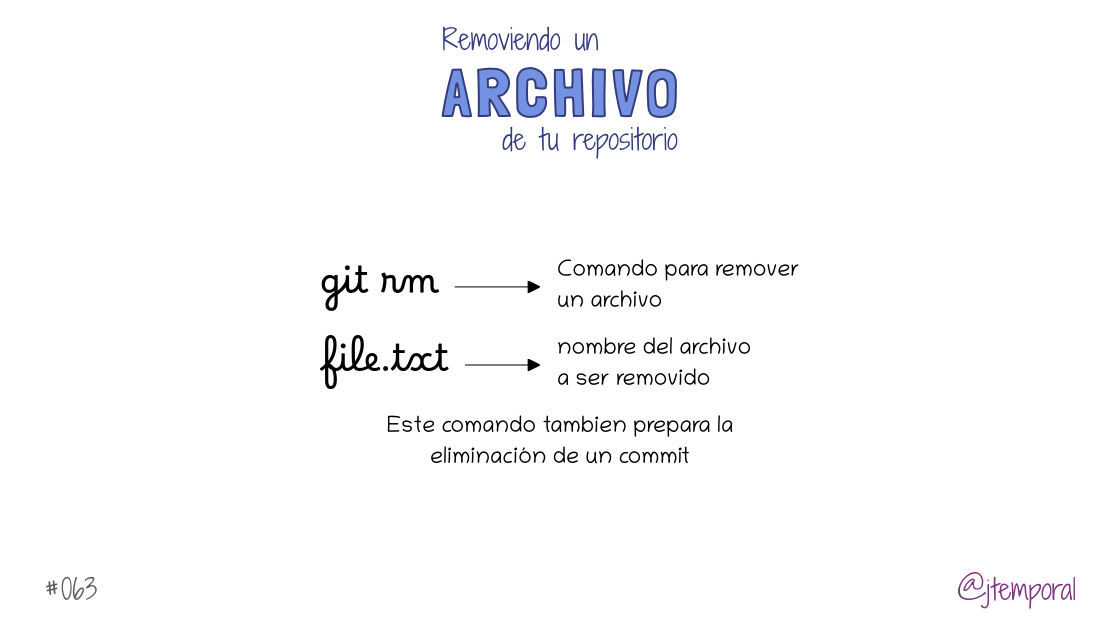
#063: Removiendo un Archivo de tu repositorio. git rm file.txt
#063 git rm file.txt
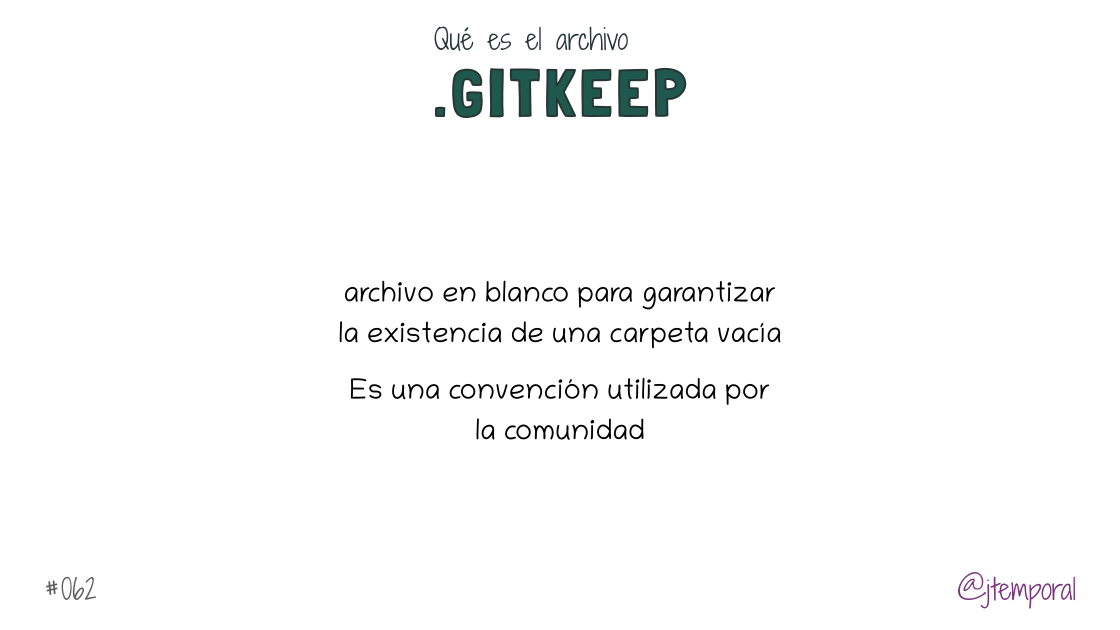
#062: Qué es el archivo .gitkeep
#062 Qué es el archivo .gitkeep concepto
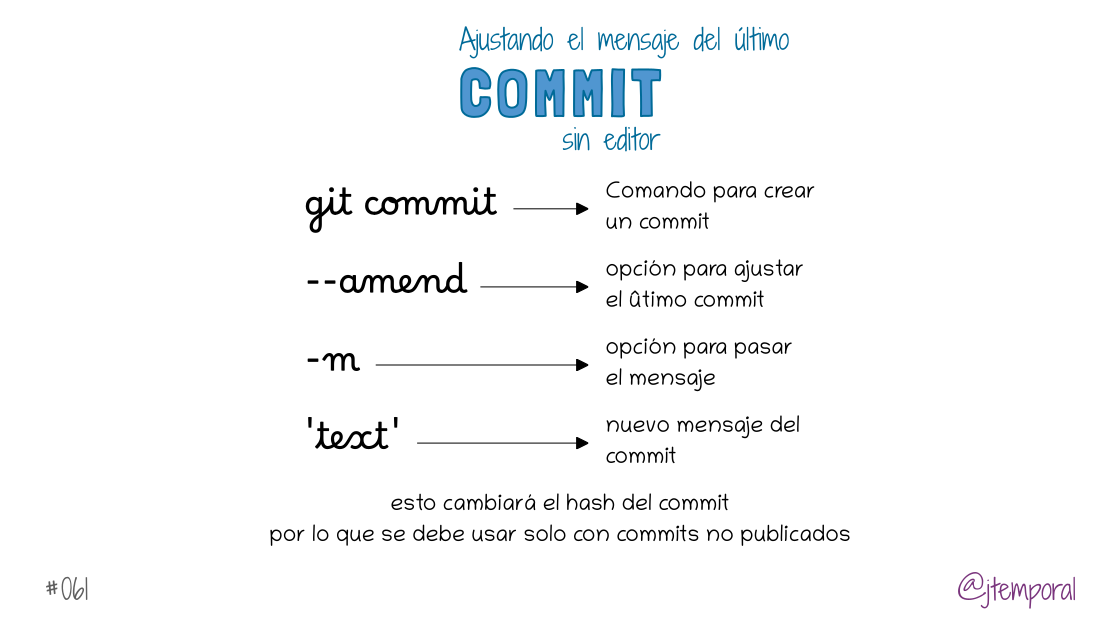
#061: Ajustando el mensaje del último commit sin editor. git commit --amend -m 'text'
#061 git commit --amend -m 'text'
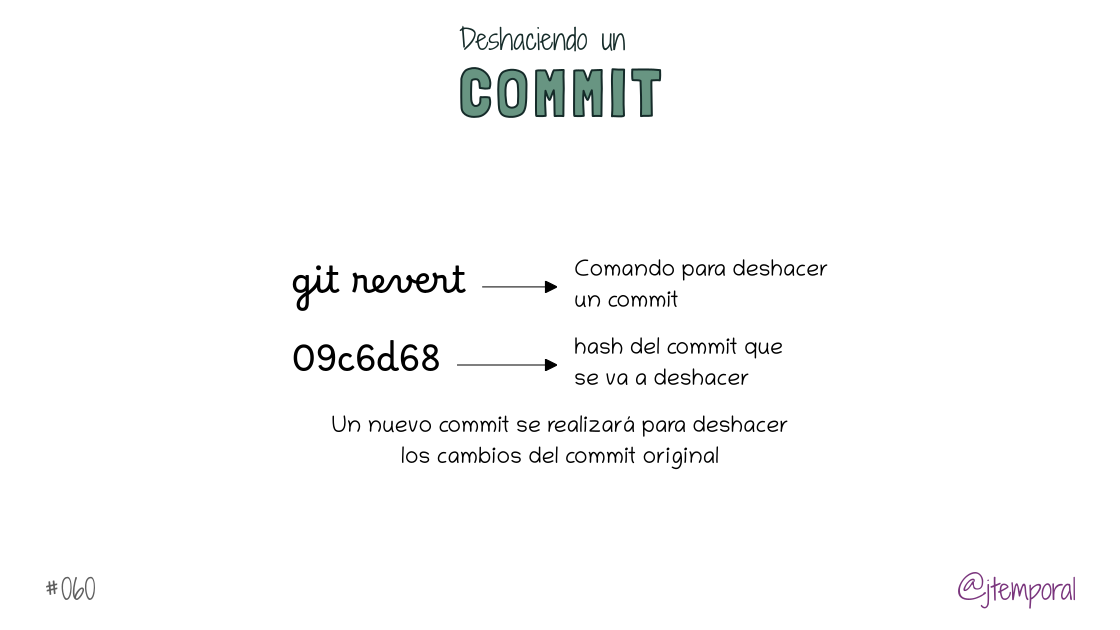
#060: Deshaciendo un commit. git revert 09c6d68
#060 git revert 09c6d68
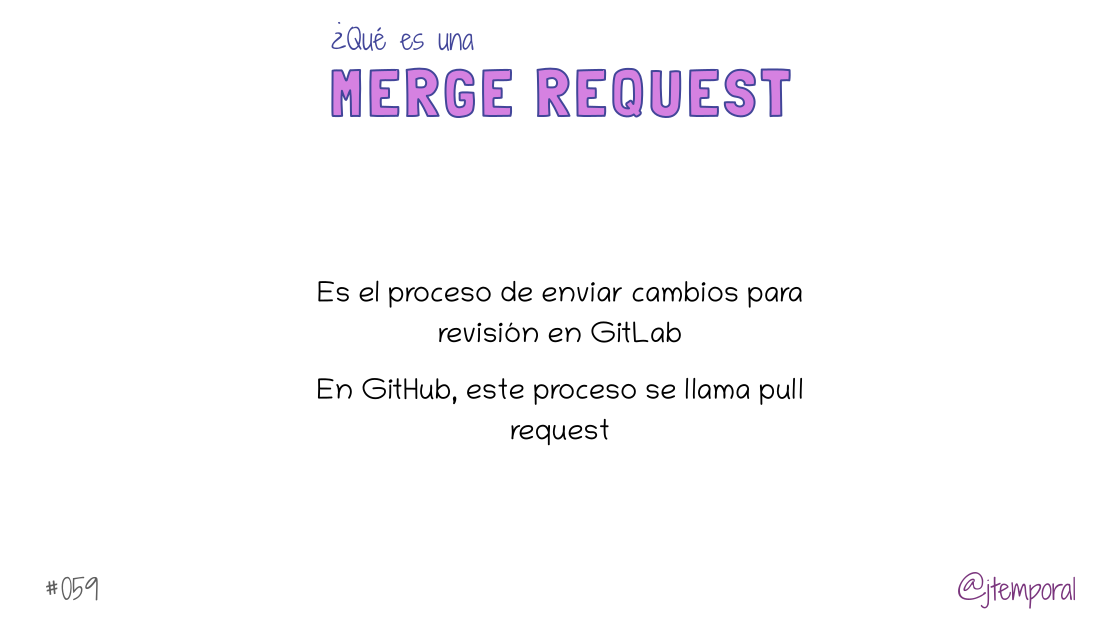
#059: ¿Qué es una merge request
#059 ¿Qué es una merge request concepto
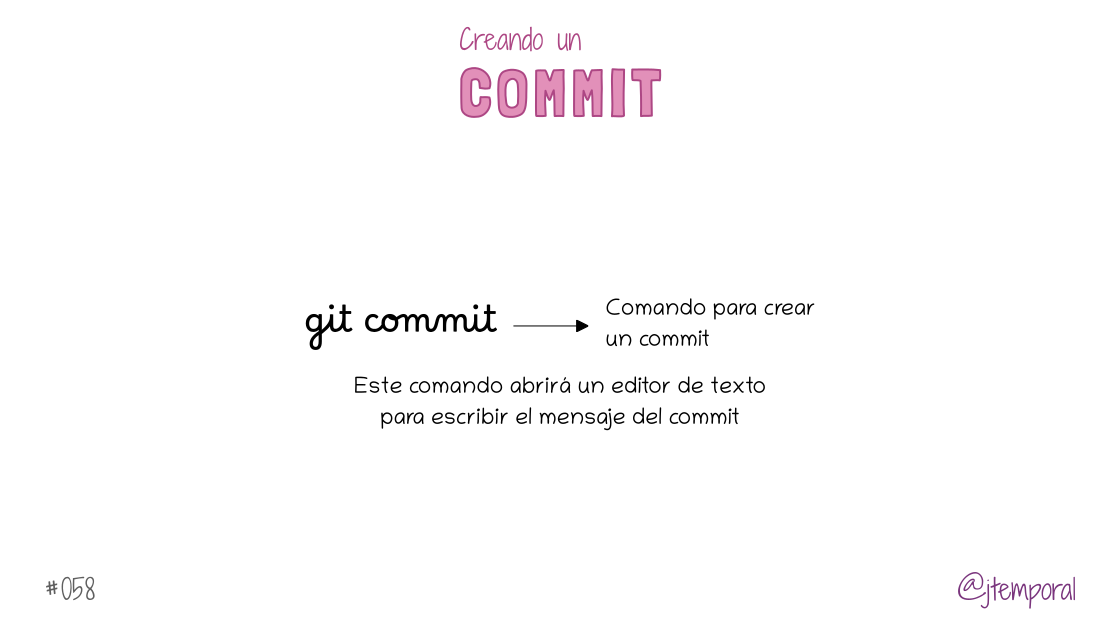
#058: Creando un commit. git commit
#058 git commit
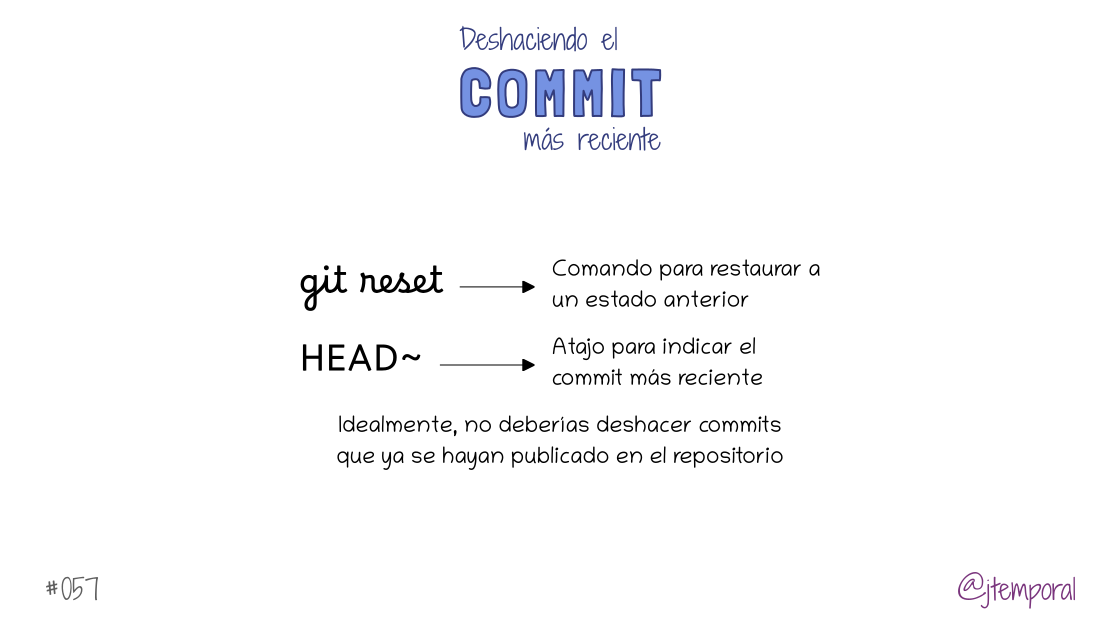
#057: Deshaciendo el commit más reciente. git reset HEAD~
#057 git reset HEAD~
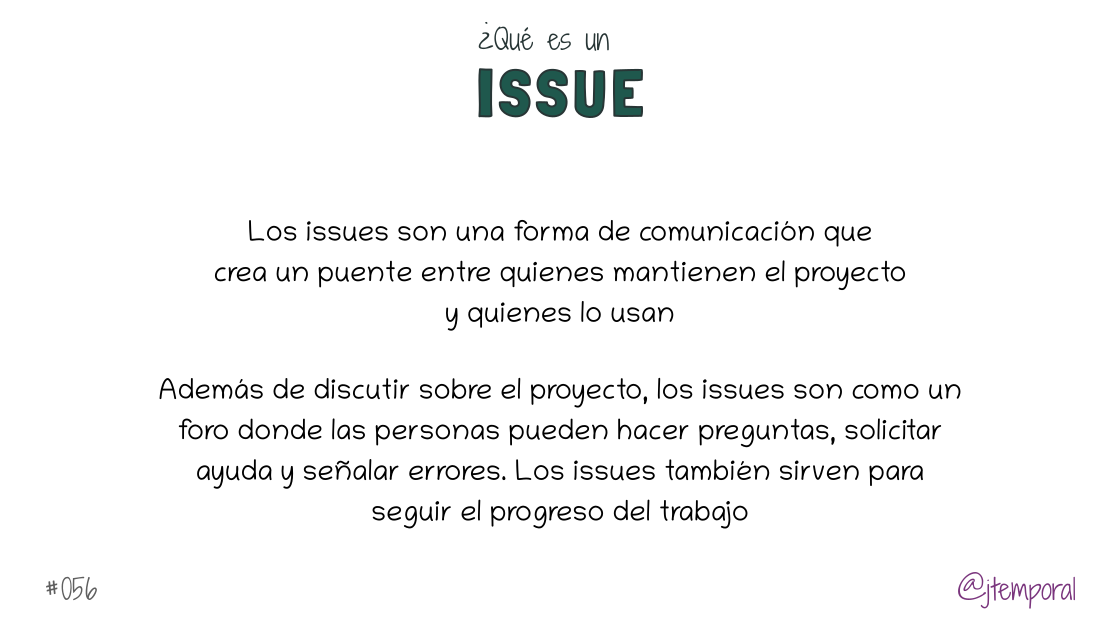
#056: ¿Qué es un issue
#056 ¿Qué es un issue concepto
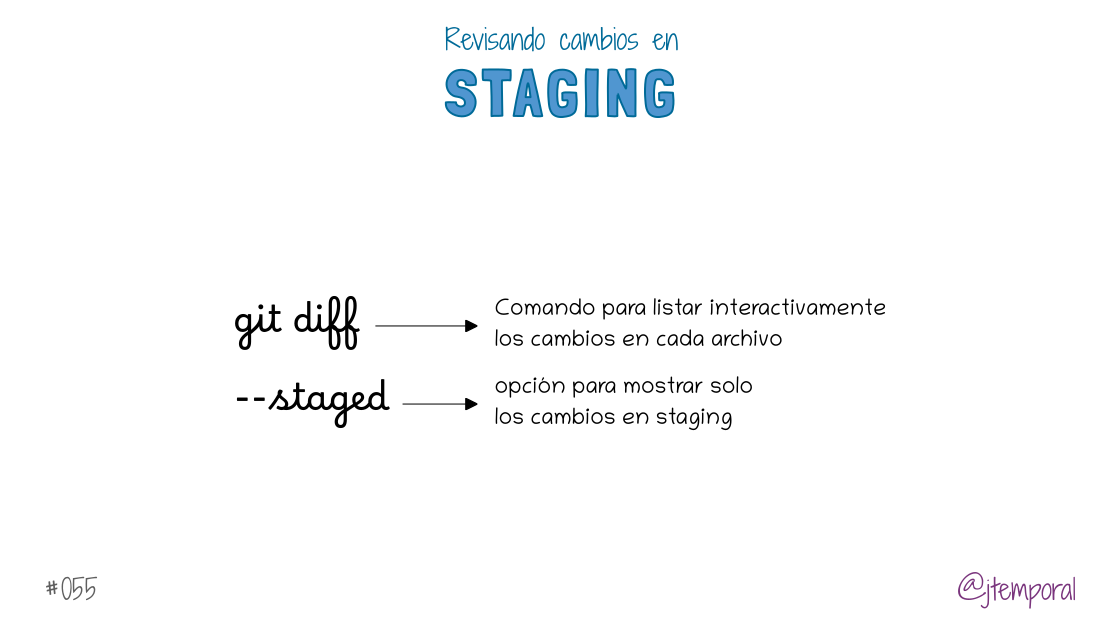
#055: Revisando cambios en staging. git diff --staged
#055 git diff --staged
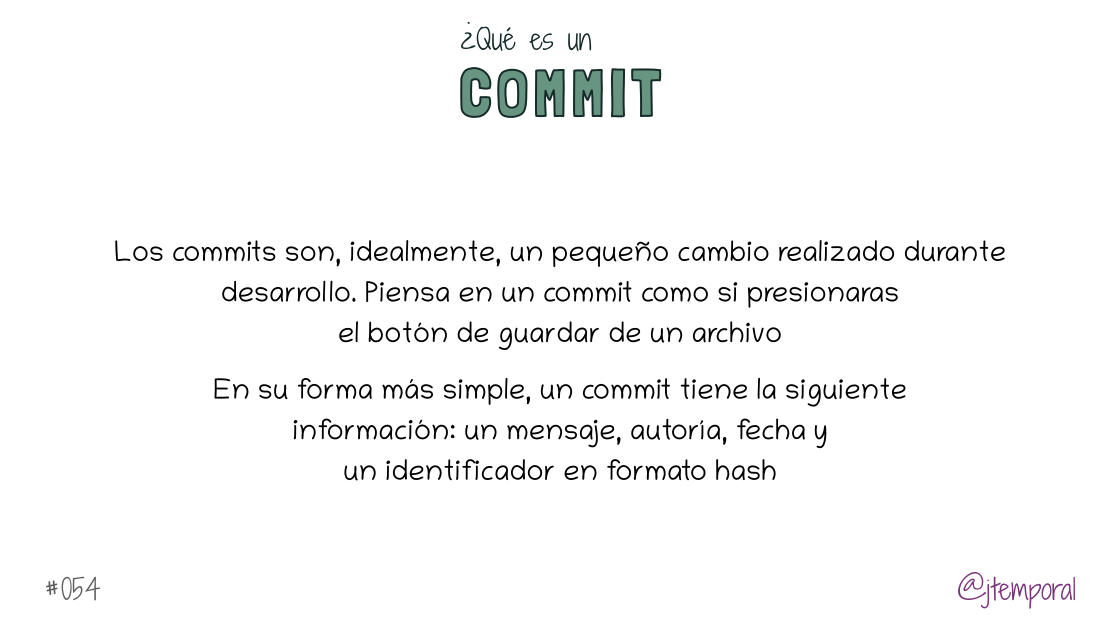
#054: ¿Qué es un commit
#054 ¿Qué es un commit concepto
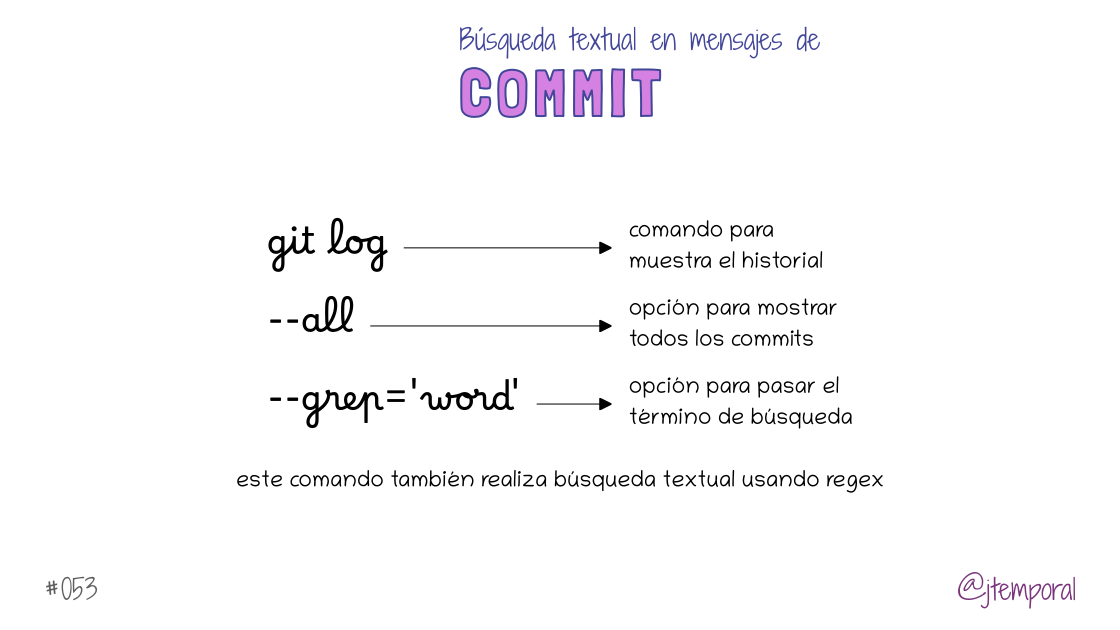
#053: Búsqueda textual en mensajes de commit. git log --all --grep='word'
#053 git log --all --grep='word'
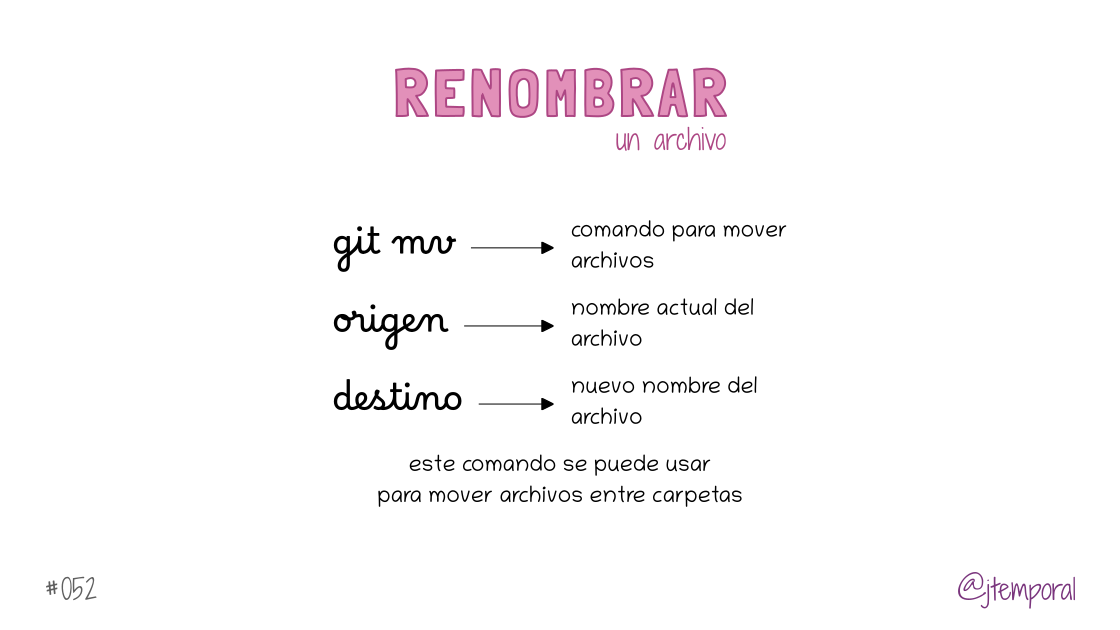
#052: Renombrar un archivo. git mv origen destino
#052 git mv origen destino
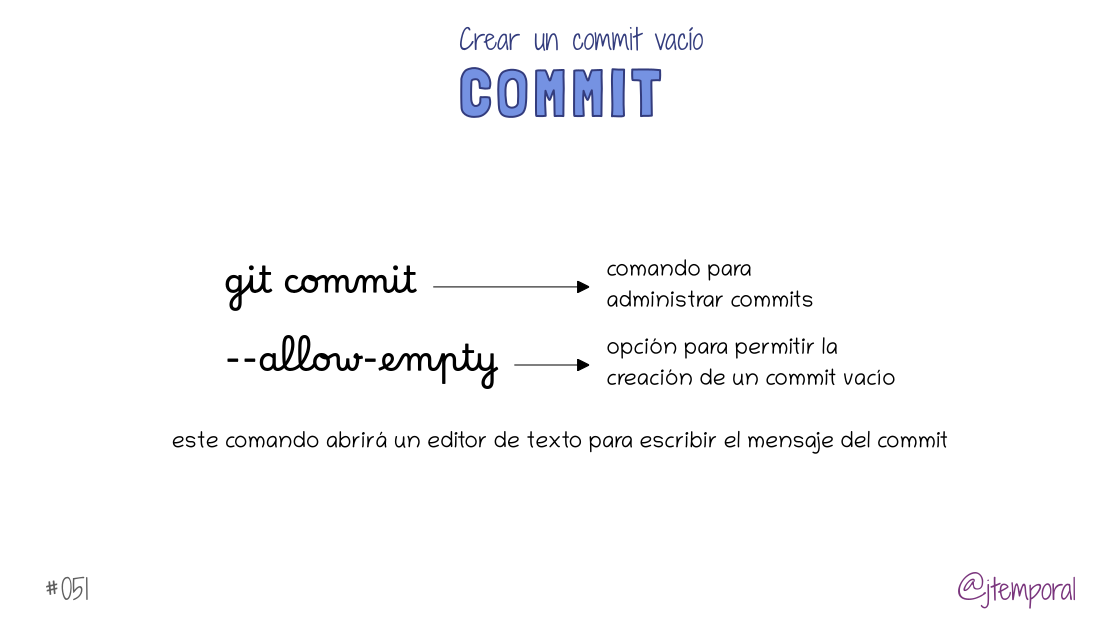
#051: Crear un commit vacío commit. git commit --allow-empty
#051 git commit --allow-empty
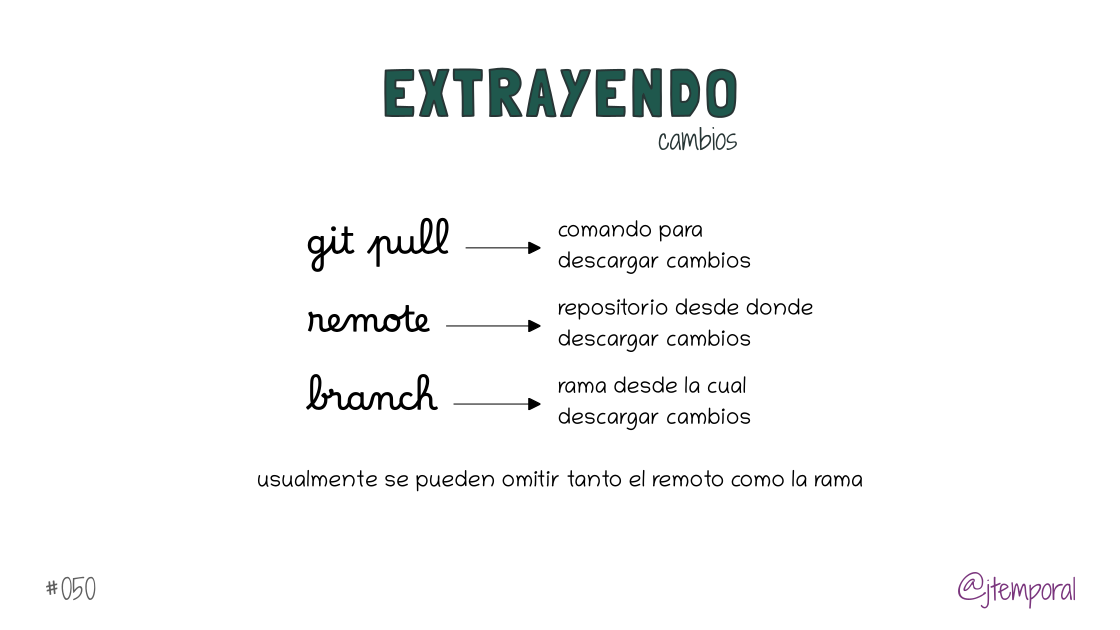
#050: Extrayendo cambios. git pull remote branch
#050 git pull remote branch
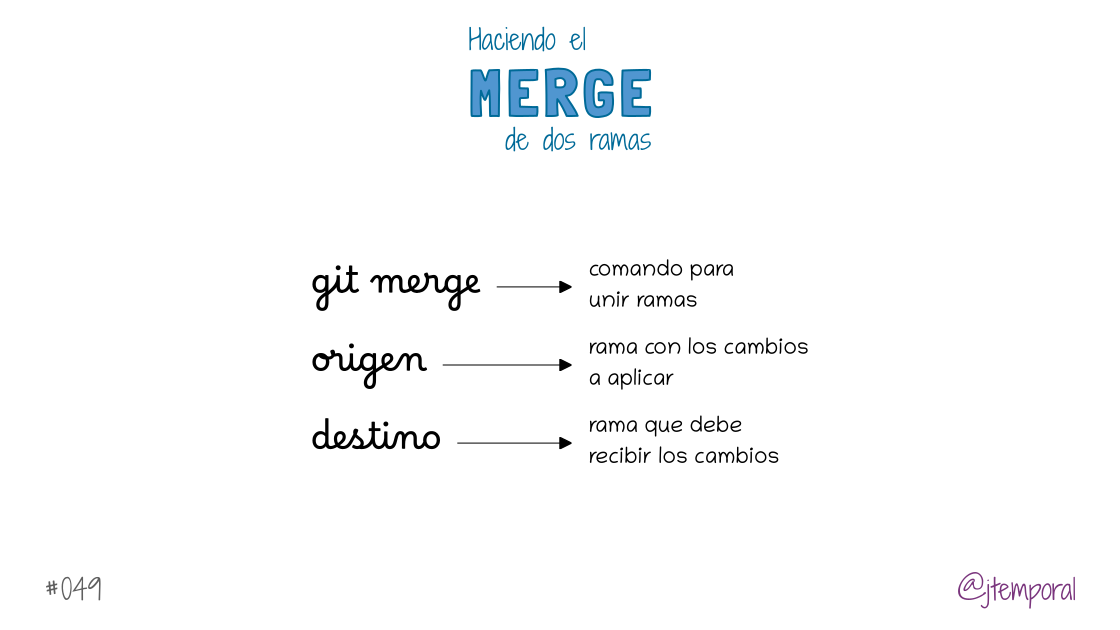
#049: Haciendo el merge de dos ramas. git merge origen destino
#049 git merge origen destino
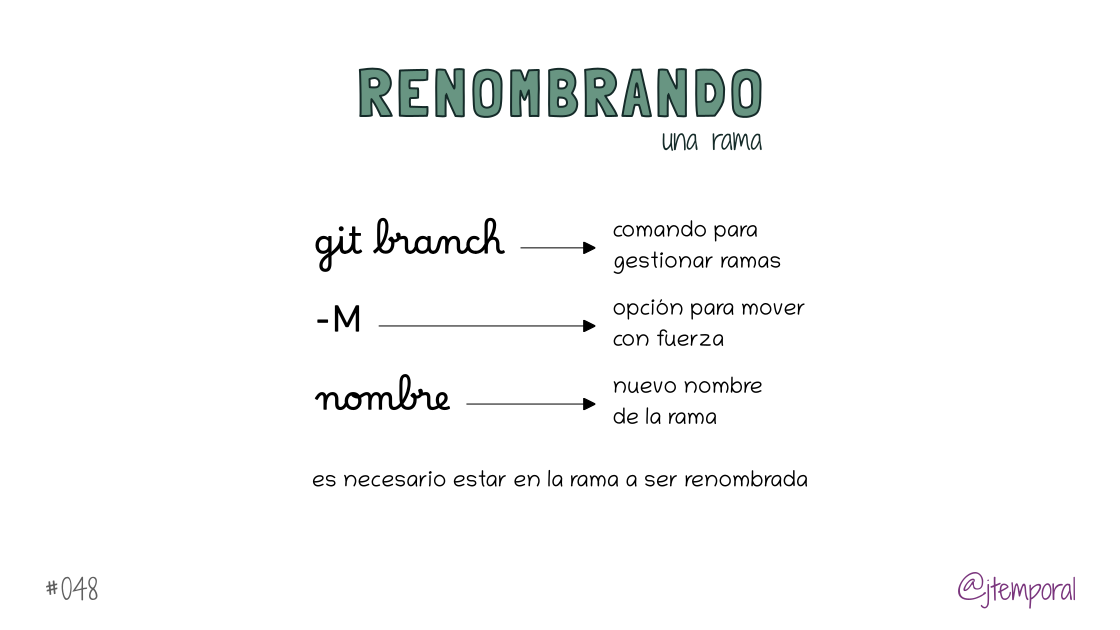
#048: Renombrando una rama. git branch -M nombre
#048 git branch -M nombre
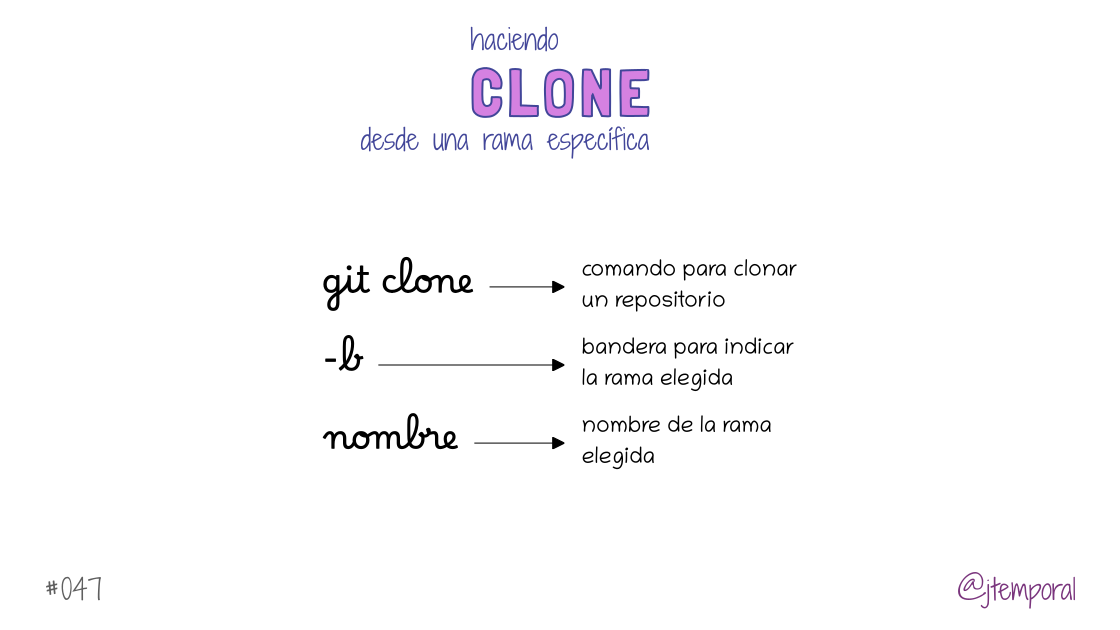
#047: haciendo clone desde una rama específica. git clone -b nombre
#047 git clone -b nombre
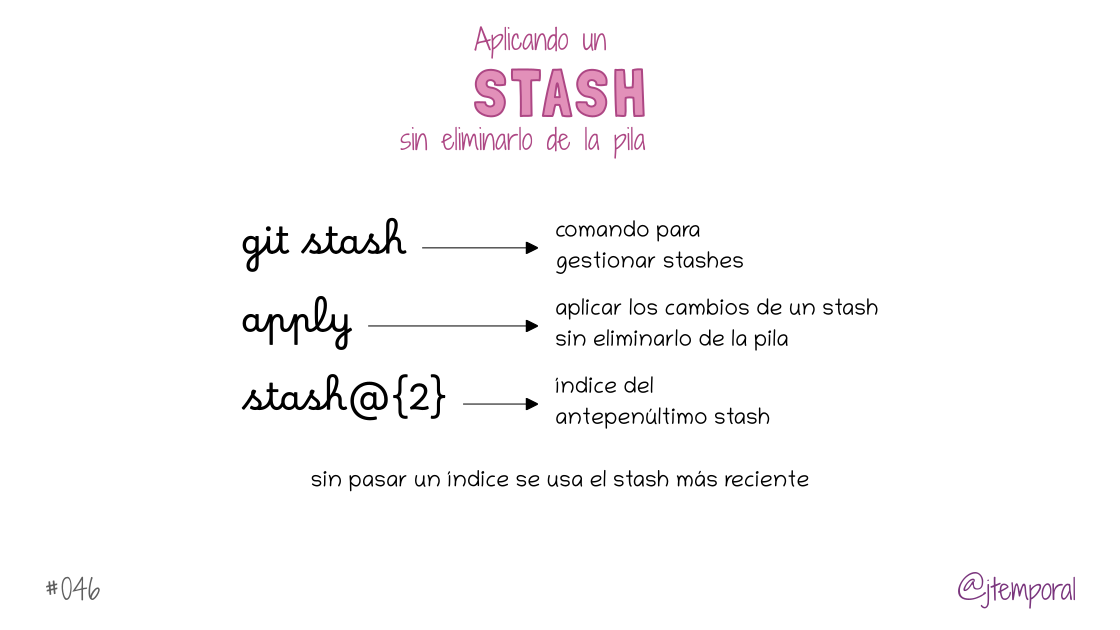
#046: Aplicando un stash sin eliminarlo de la pila. git stash apply stash@{2}
#046 git stash apply stash@{2}
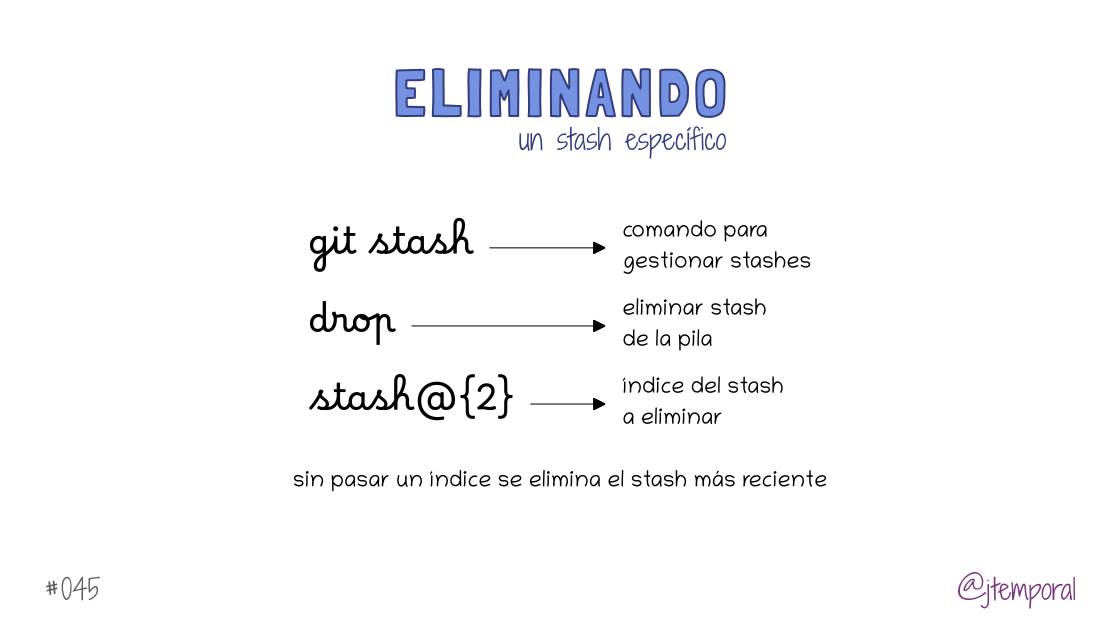
#045: Eliminando un stash específico. git stash drop stash@{2}
#045 git stash drop stash@{2}
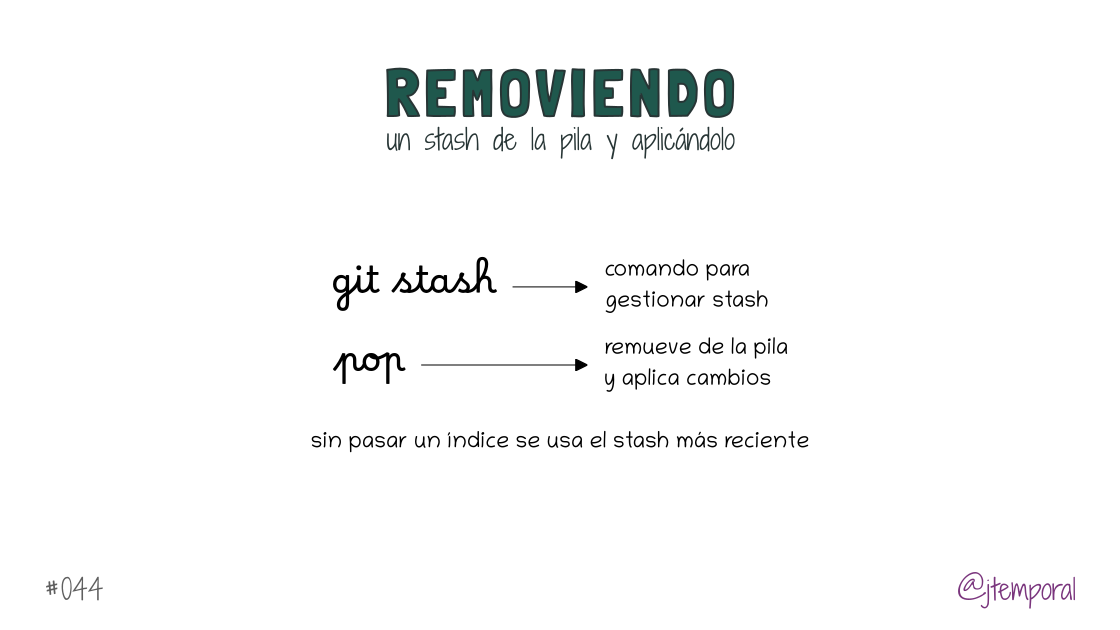
#044: Removiendo un stash de la pila y aplicándolo. git stash pop
#044 git stash pop
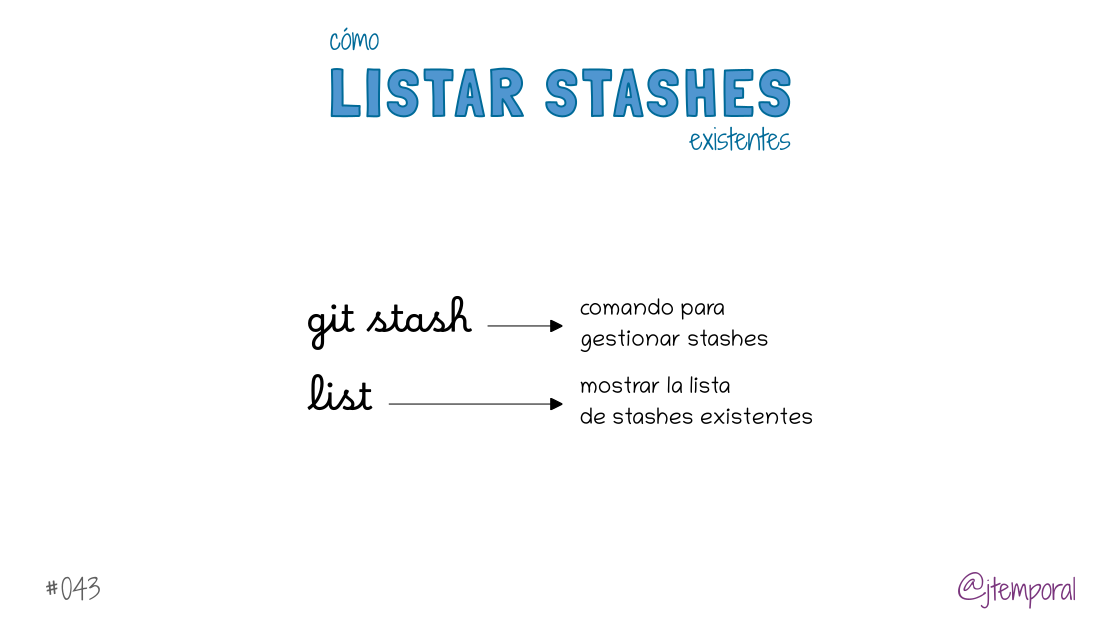
#043: cómo listar stashes existentes. git stash list
#043 git stash list
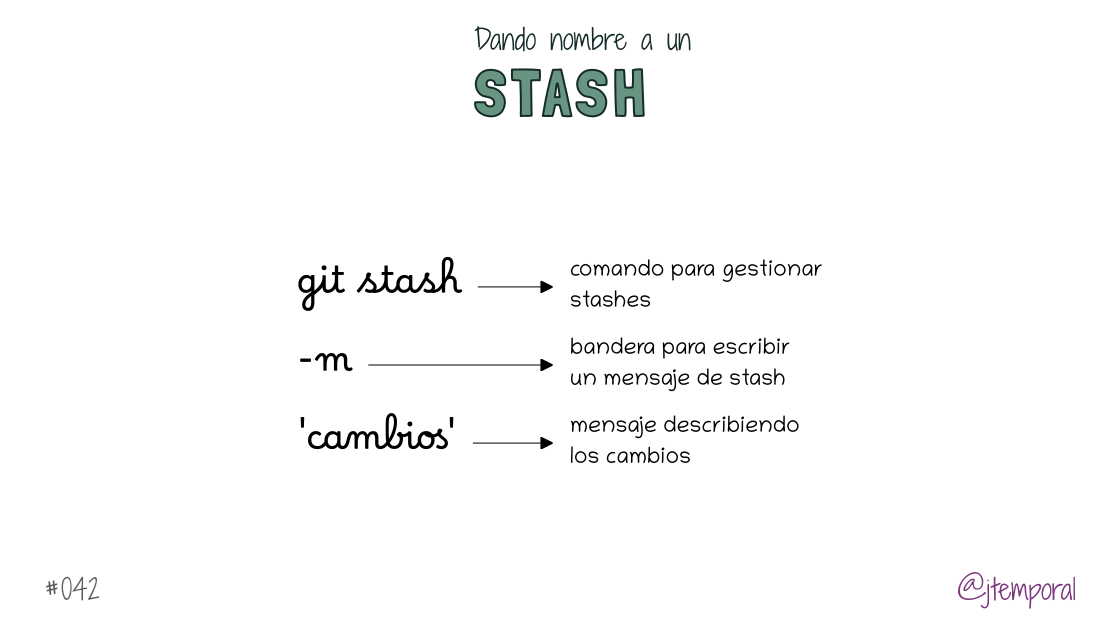
#042: Dando nombre a un stash. git stash -m 'cambios'
#042 git stash -m 'cambios'
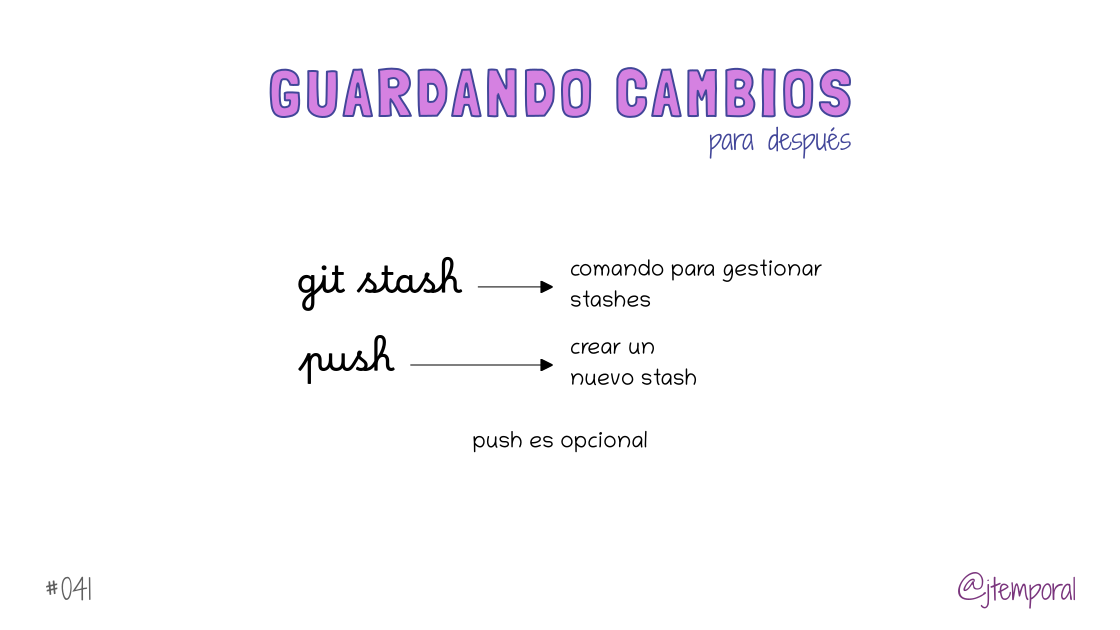
#041: Guardando cambios para después. git stash push
#041 git stash push
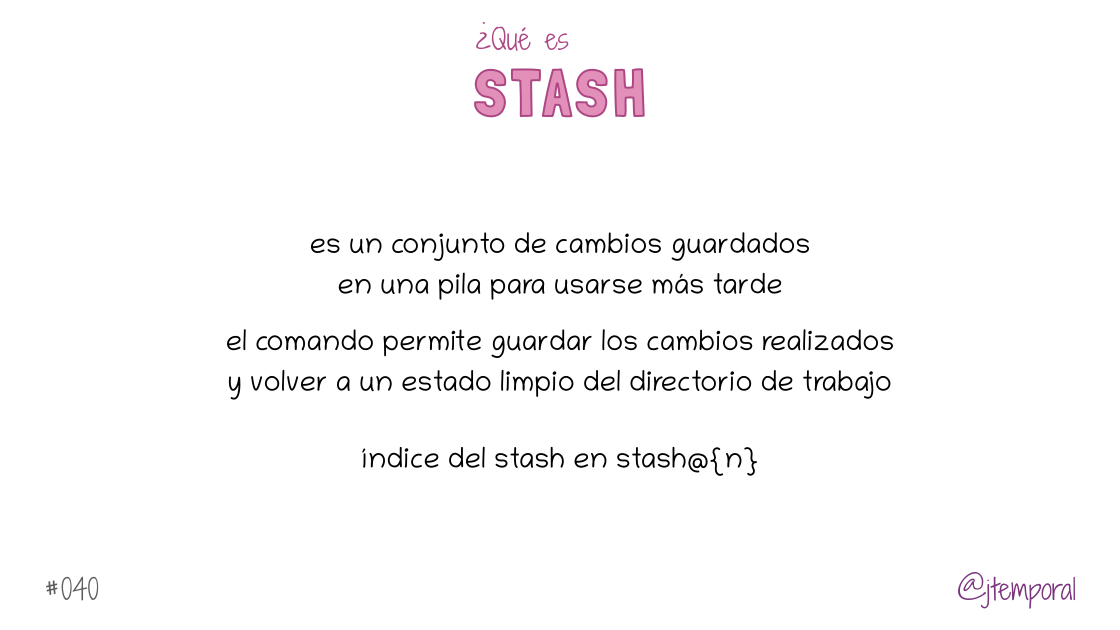
#040: ¿Qué es stash
#040 ¿Qué es stash concepto
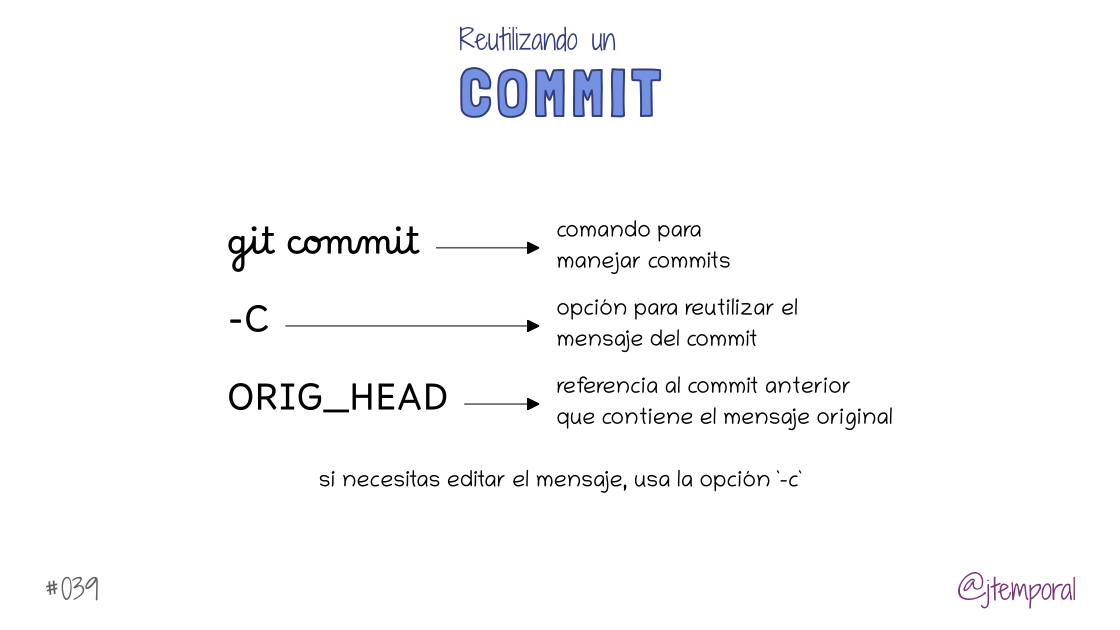
#039: Reutilizando un commit. git commit -C ORIG_HEAD
#039 git commit -C ORIG_HEAD
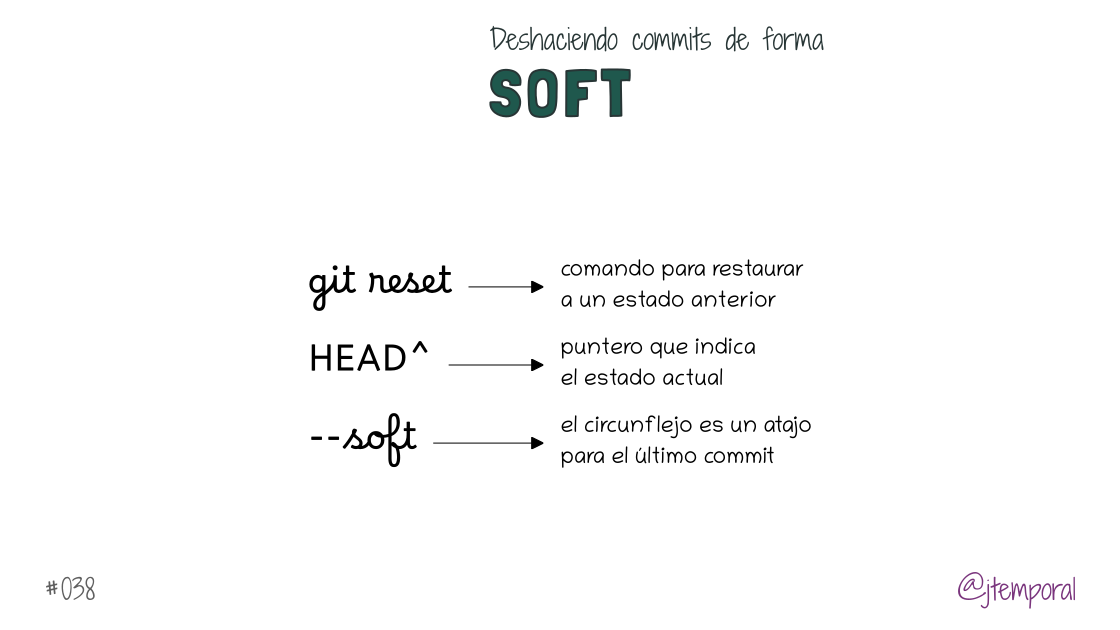
#038: Deshaciendo commits de forma soft. git reset HEAD^ --soft
#038 git reset HEAD^ --soft
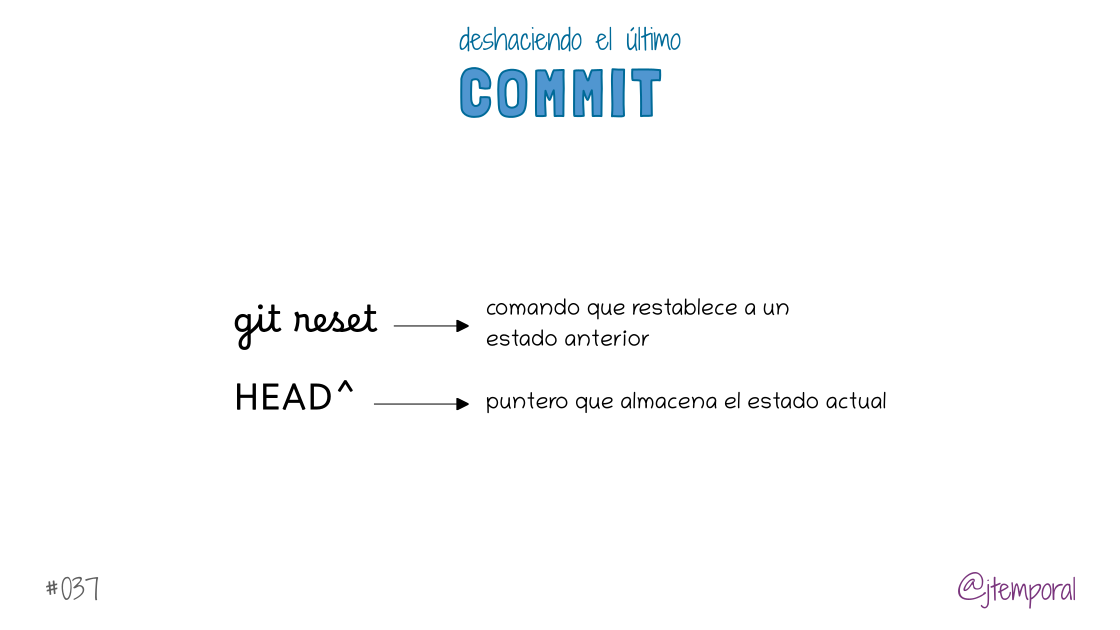
#037: deshaciendo el último commit. git reset HEAD^
#037 git reset HEAD^
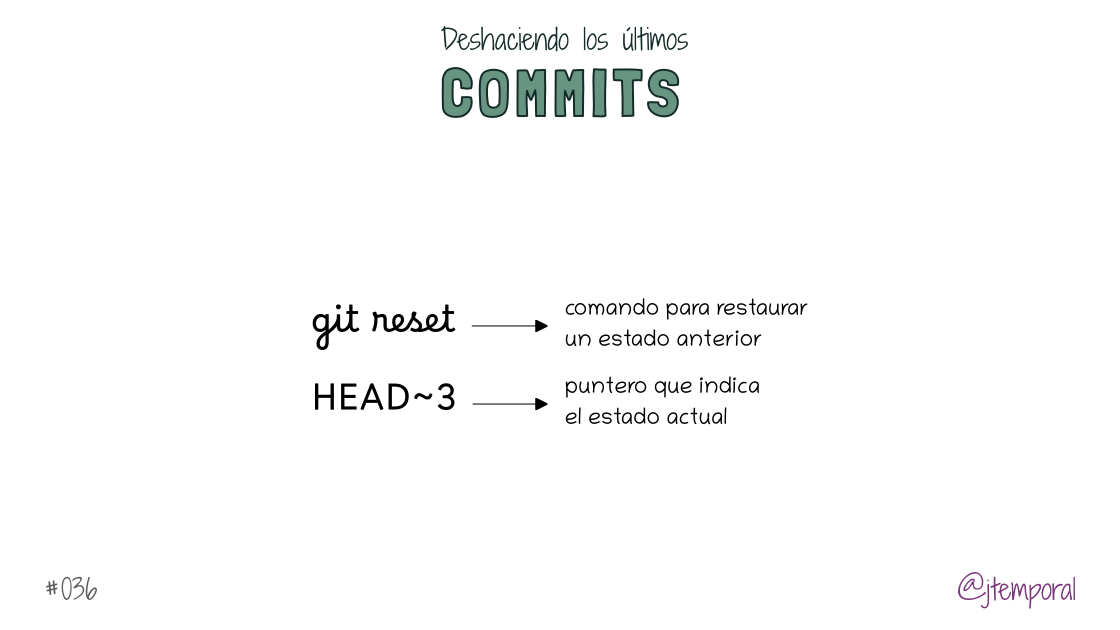
#036: Deshaciendo los últimos commits. git reset HEAD~3
#036 git reset HEAD~3
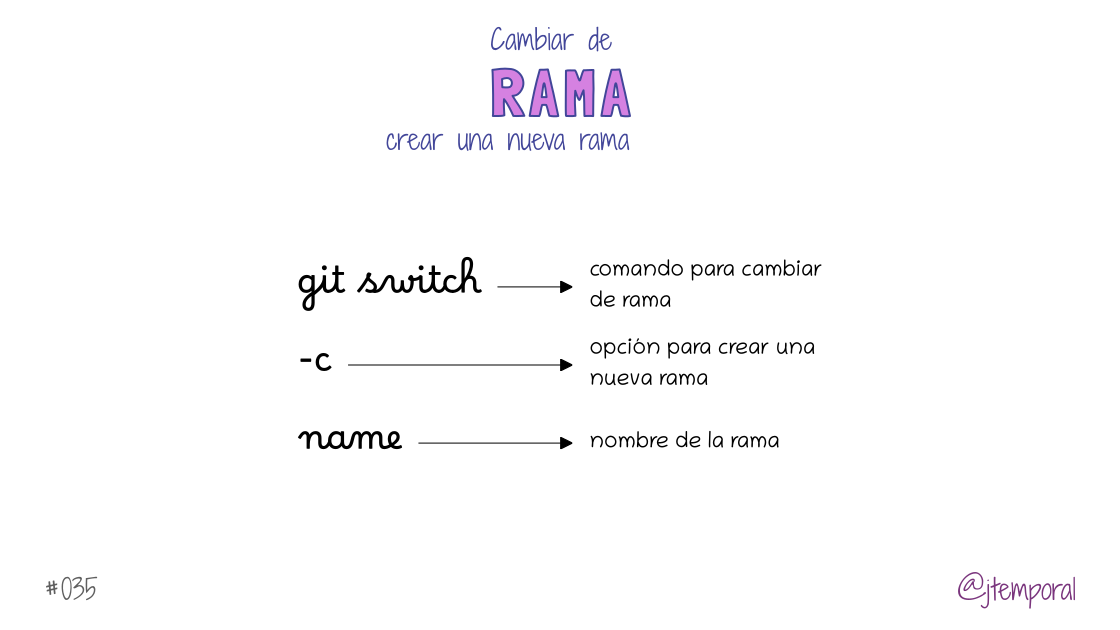
#035: Cambiar de rama crear una nueva rama. git switch -c name
#035 git switch -c name
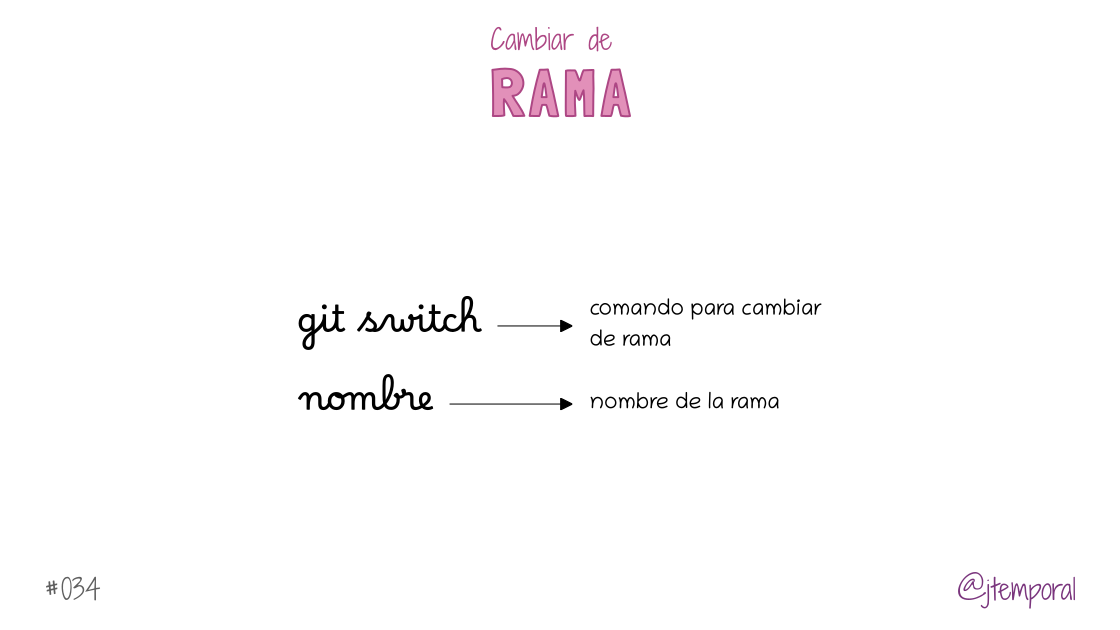
#034: Cambiar de rama. git switch nombre
#034 git switch nombre
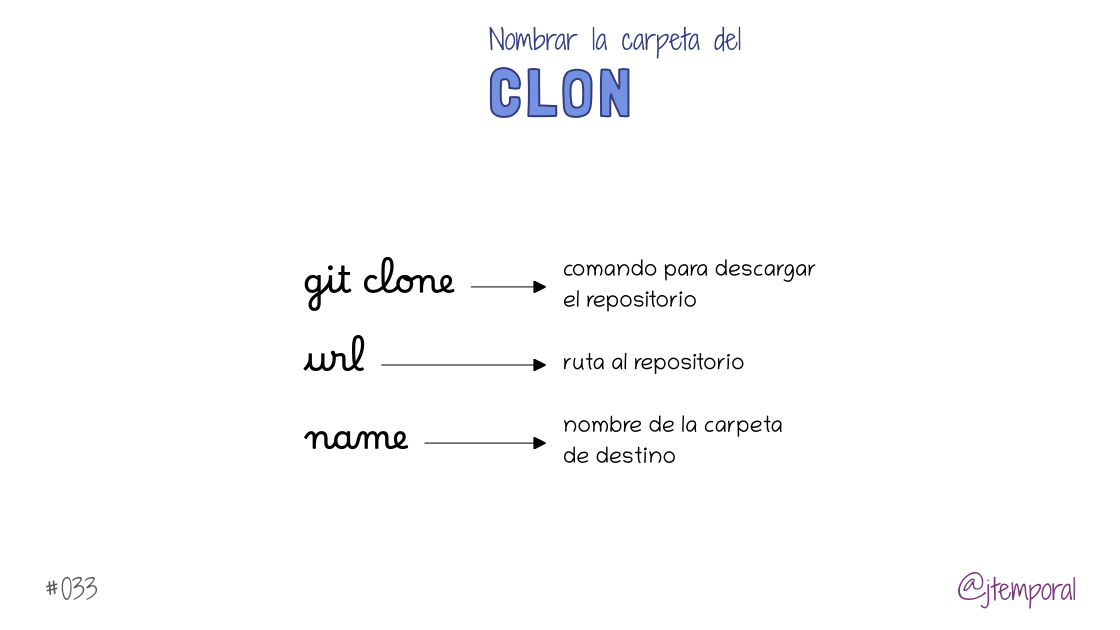
#033: Nombrar la carpeta del clon. git clone url name
#033 git clone url name
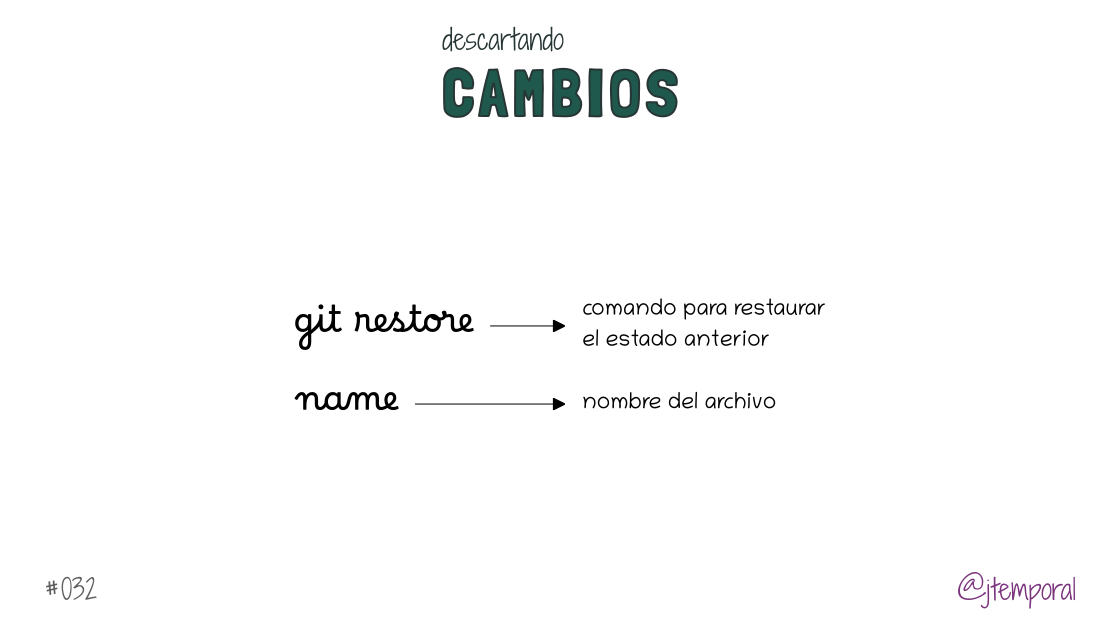
#032: descartando cambios. git restore name
#032 git restore name
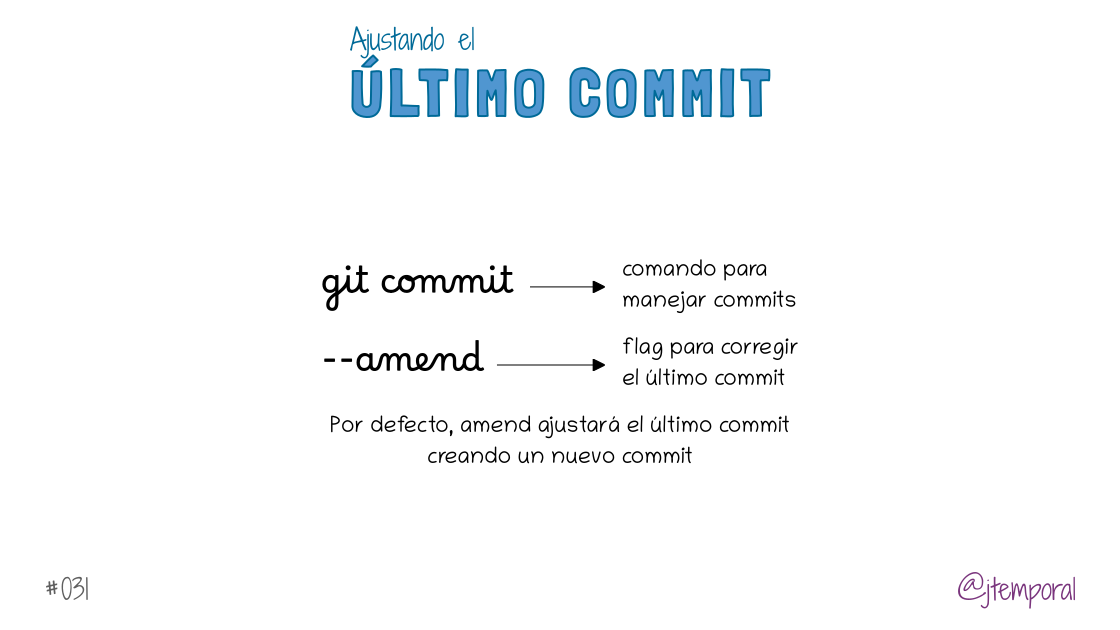
#031: Ajustando el último commit. git commit --amend
#031 git commit --amend
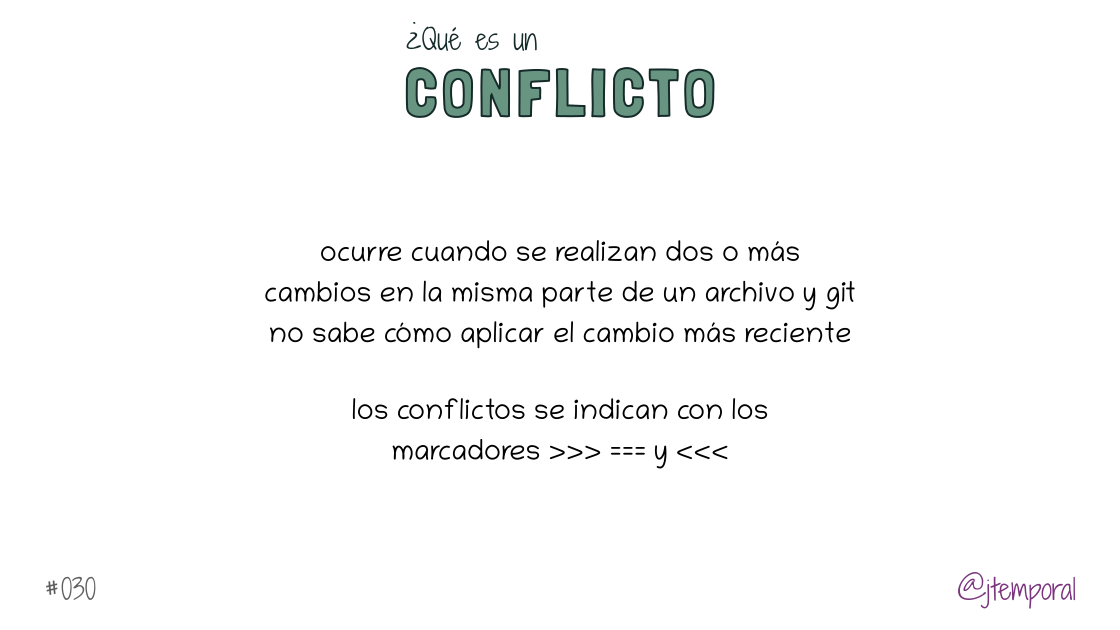
#030: ¿Qué es un conflicto
#030 ¿Qué es un conflicto concepto
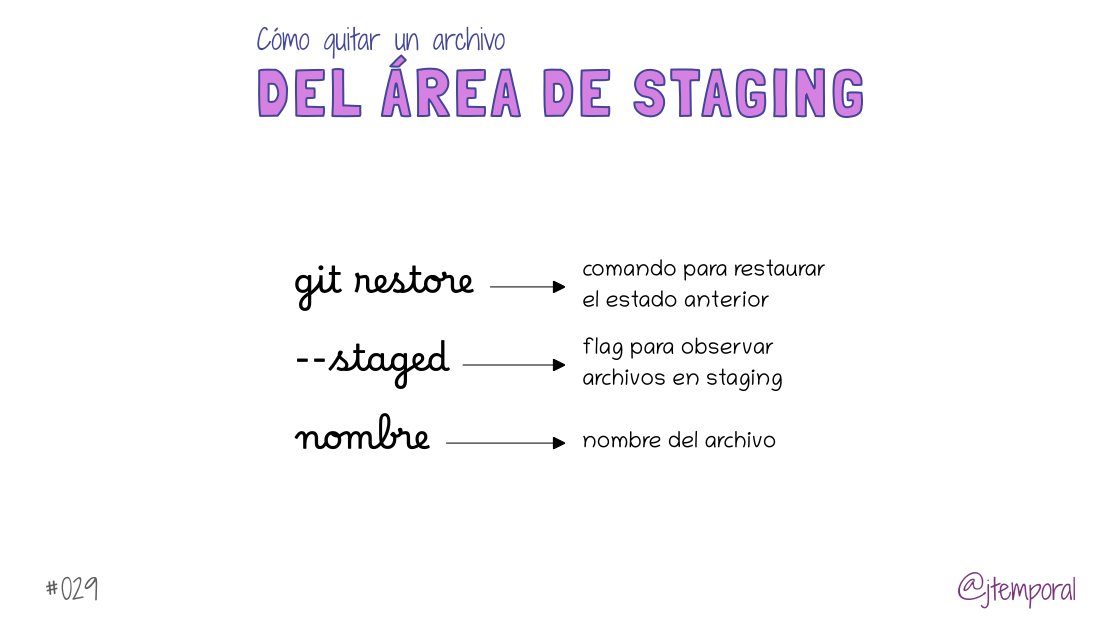
#029: Cómo quitar un archivo del área de staging. git restore --staged nombre
#029 git restore --staged nombre
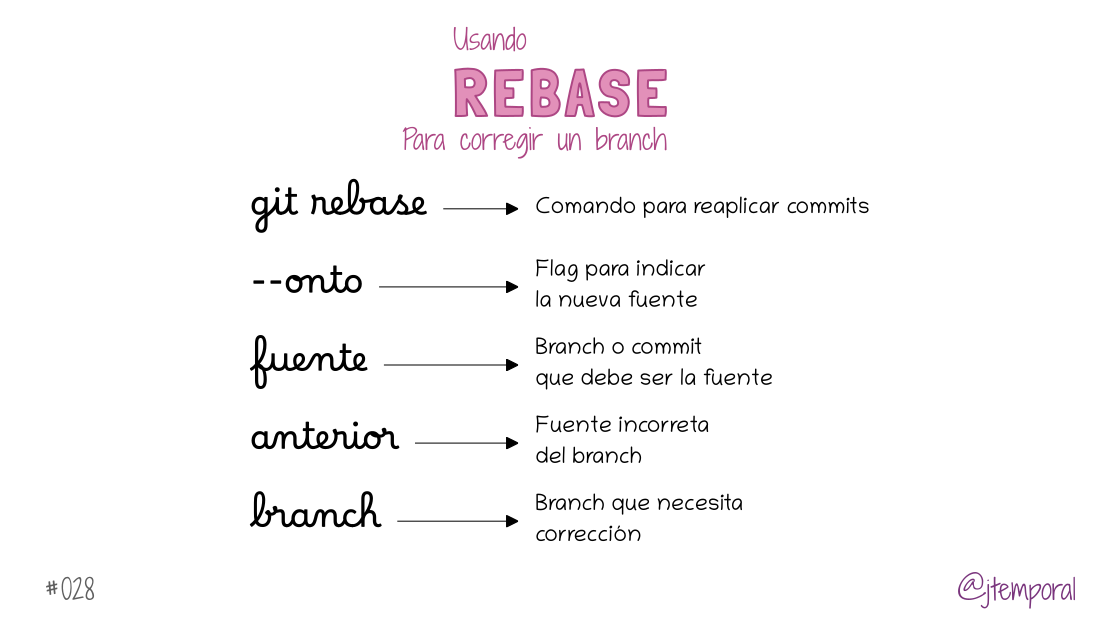
#028: Usando rebase Para corregir un branch. git rebase --onto fuente anterior branch
#028 git rebase --onto fuente anterior branch
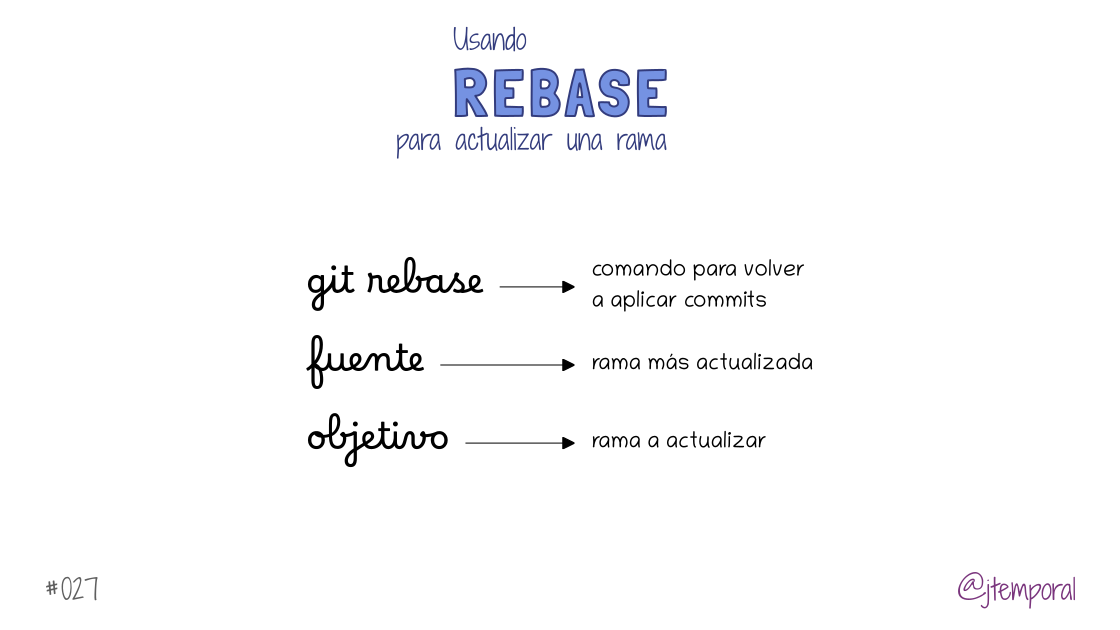
#027: Usando rebase para actualizar una rama. git rebase fuente objetivo
#027 git rebase fuente objetivo
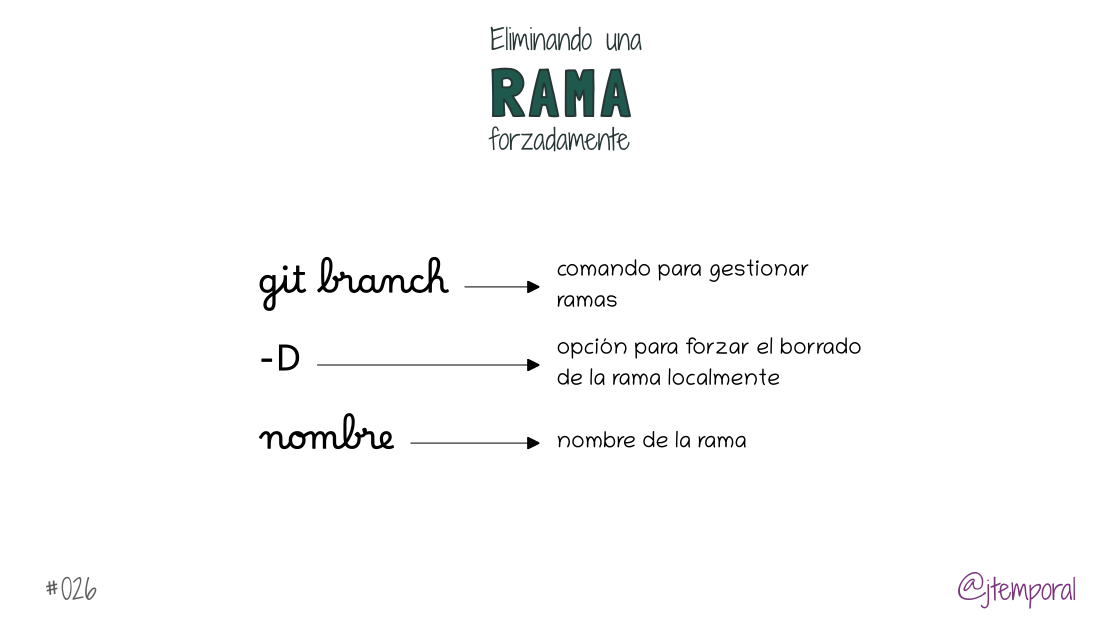
#026: Eliminando una rama forzadamente. git branch -D nombre
#026 git branch -D nombre
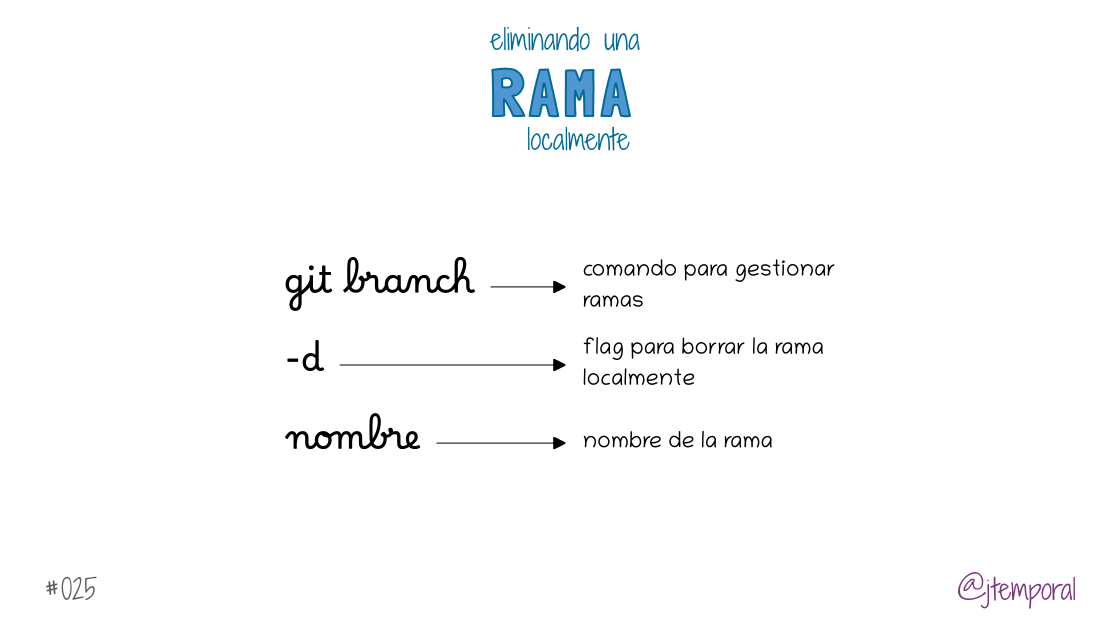
#025: eliminando una rama localmente. git branch -d nombre
#025 git branch -d nombre
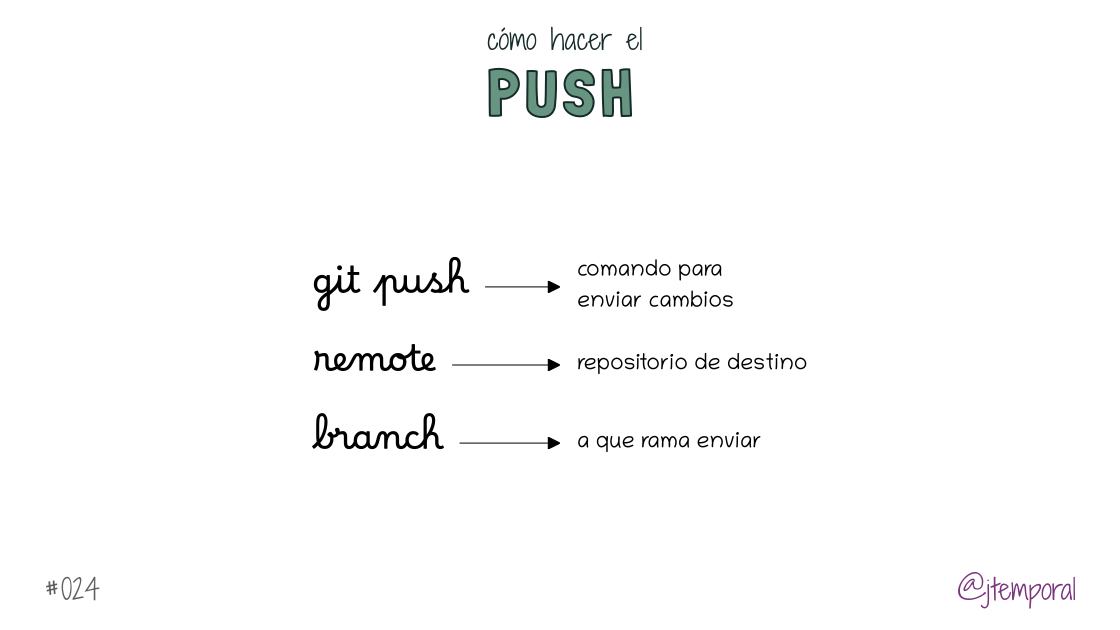
#024: cómo hacer el push. git push remote branch
#024 git push remote branch
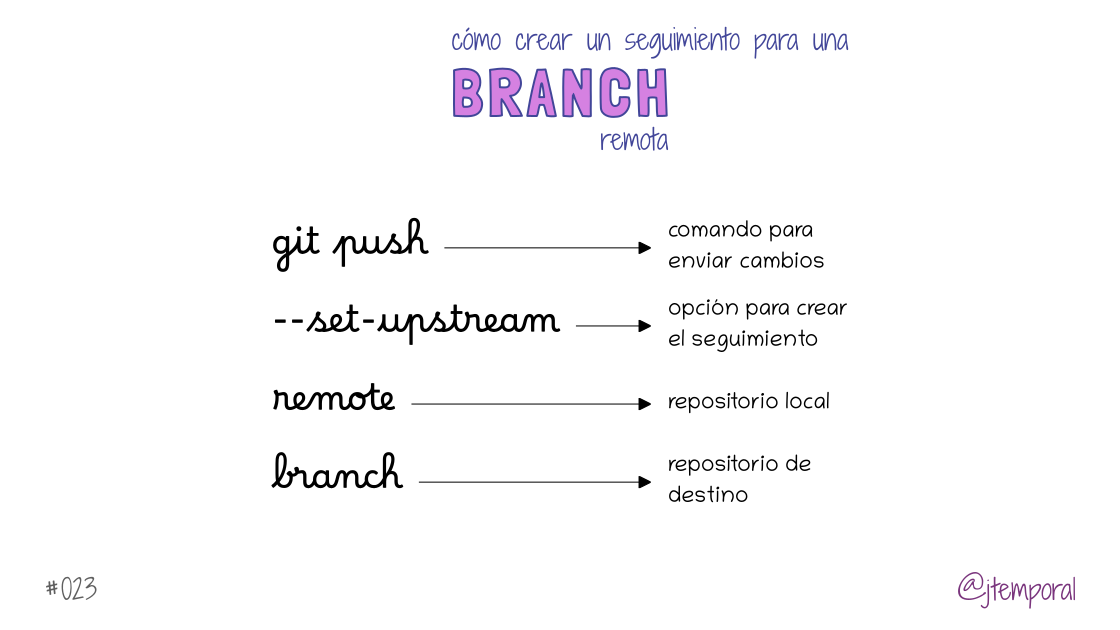
#023: cómo crear un seguimiento para una branch remota. git push --set-upstream remote branch
#023 git push --set-upstream remote branch
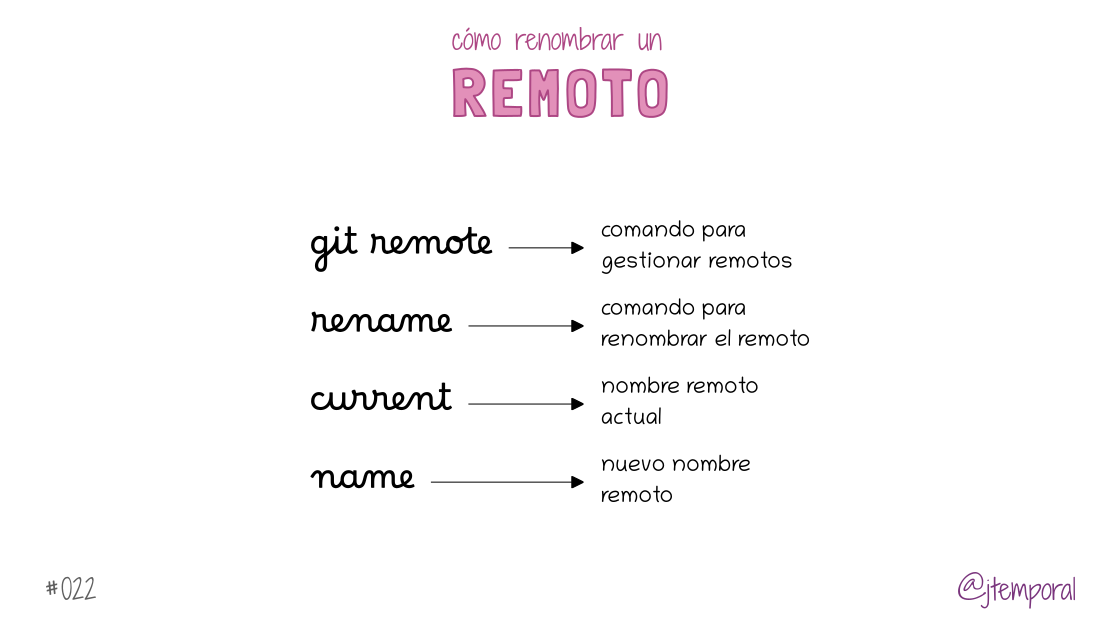
#022: cómo renombrar un remoto. git remote rename current name
#022 git remote rename current name
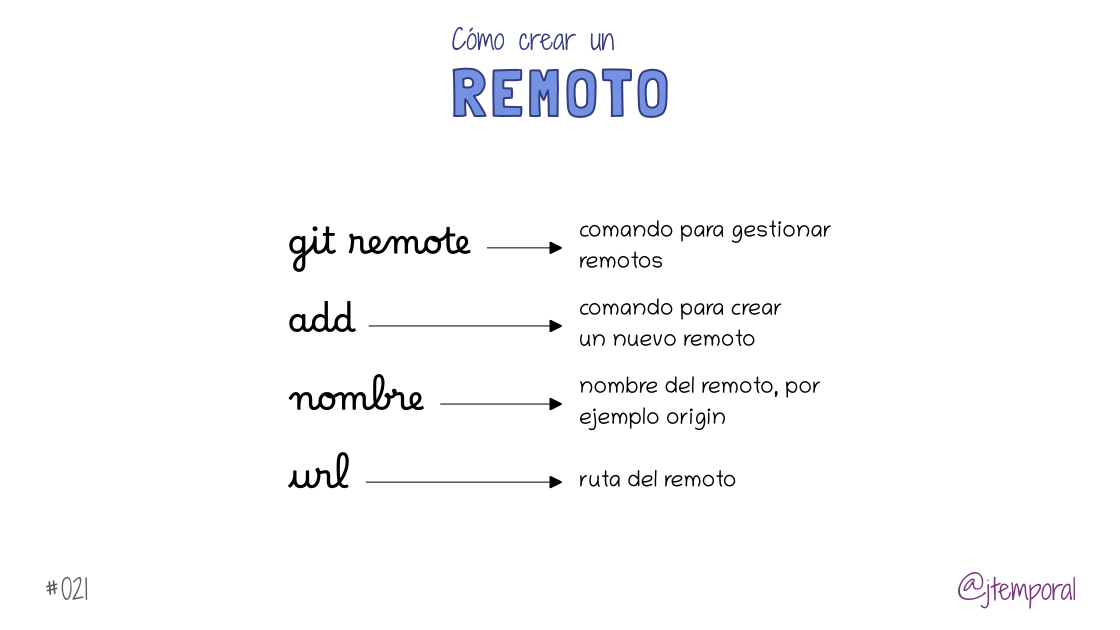
#021: Cómo crear un Remoto. git remote add nombre url
#021 git remote add nombre url
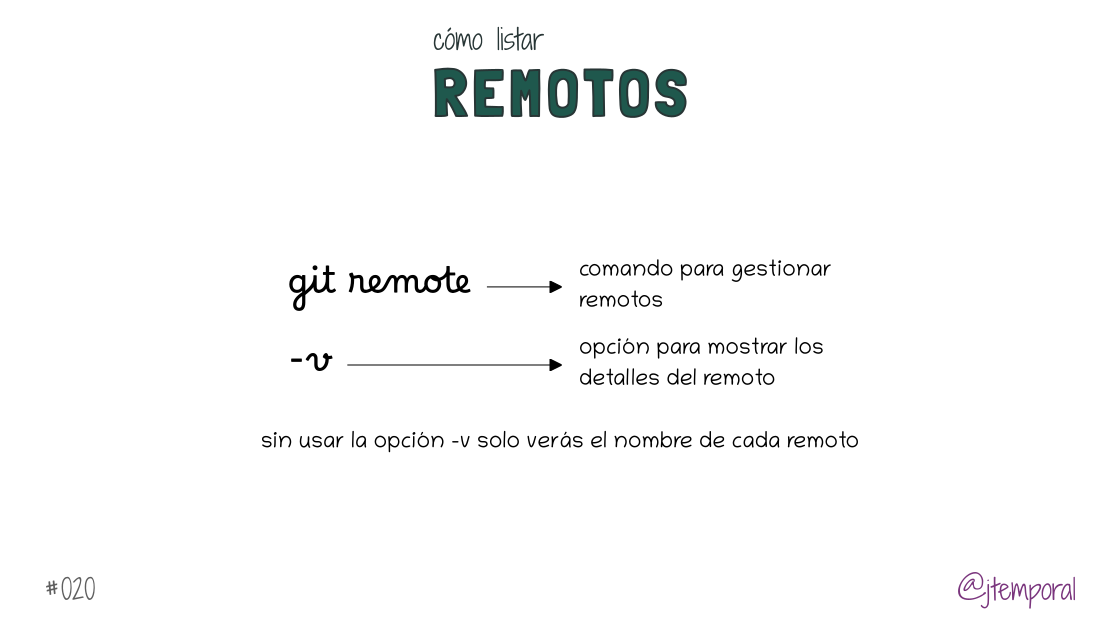
#020: cómo listar remotos. git remote -v
#020 git remote -v
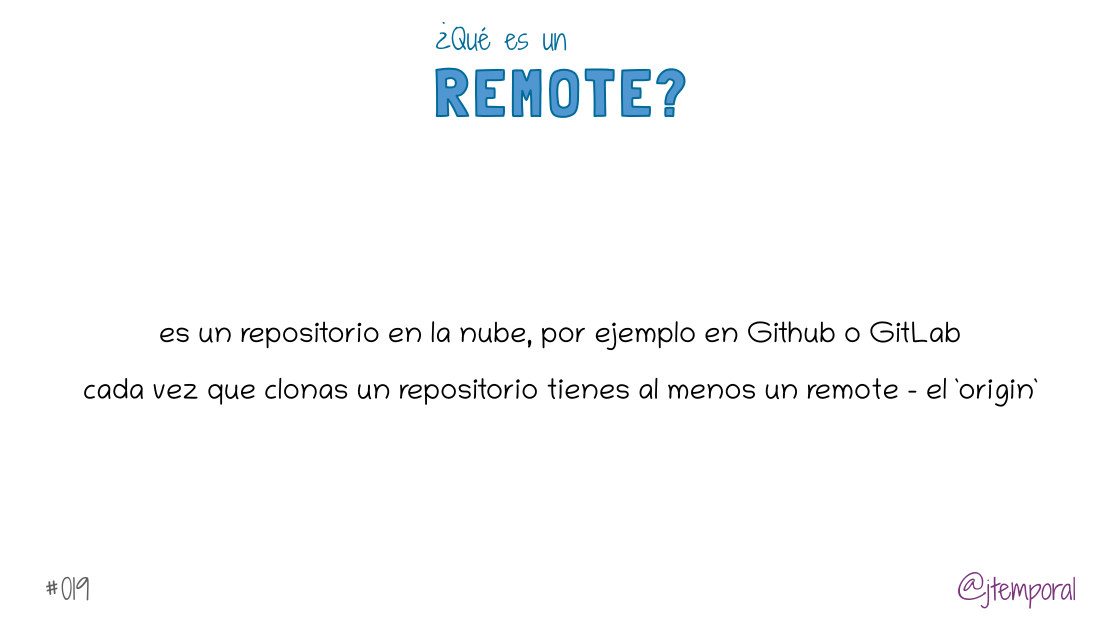
#019: ¿Qué es un remote?
#019 ¿Qué es un remote? concepto
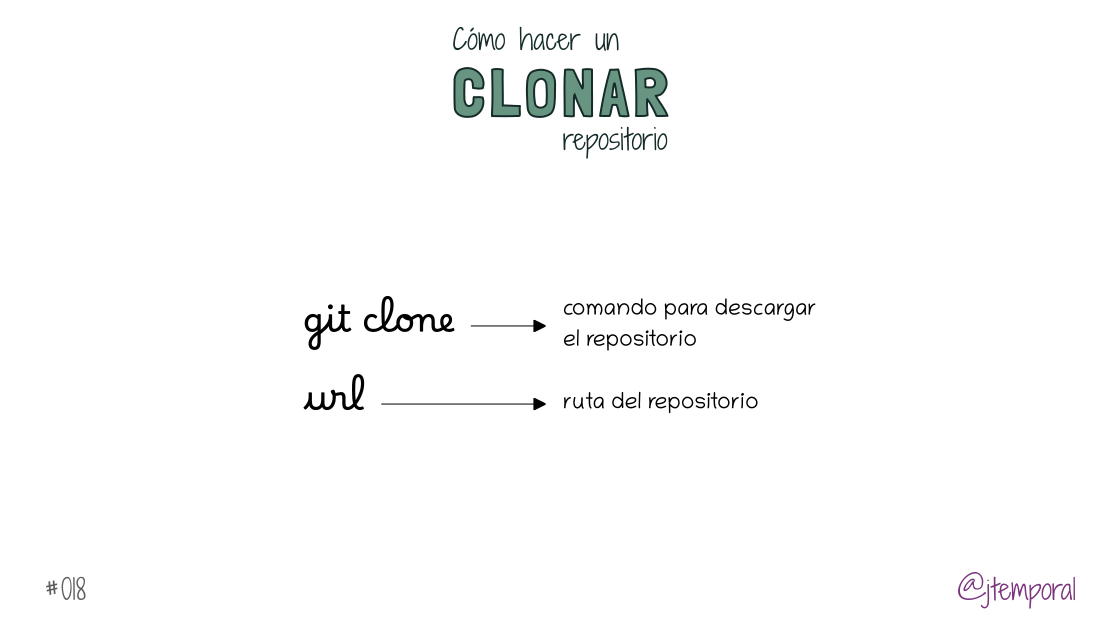
#018: Cómo hacer un Clonar repositorio. git clone url
#018 git clone url
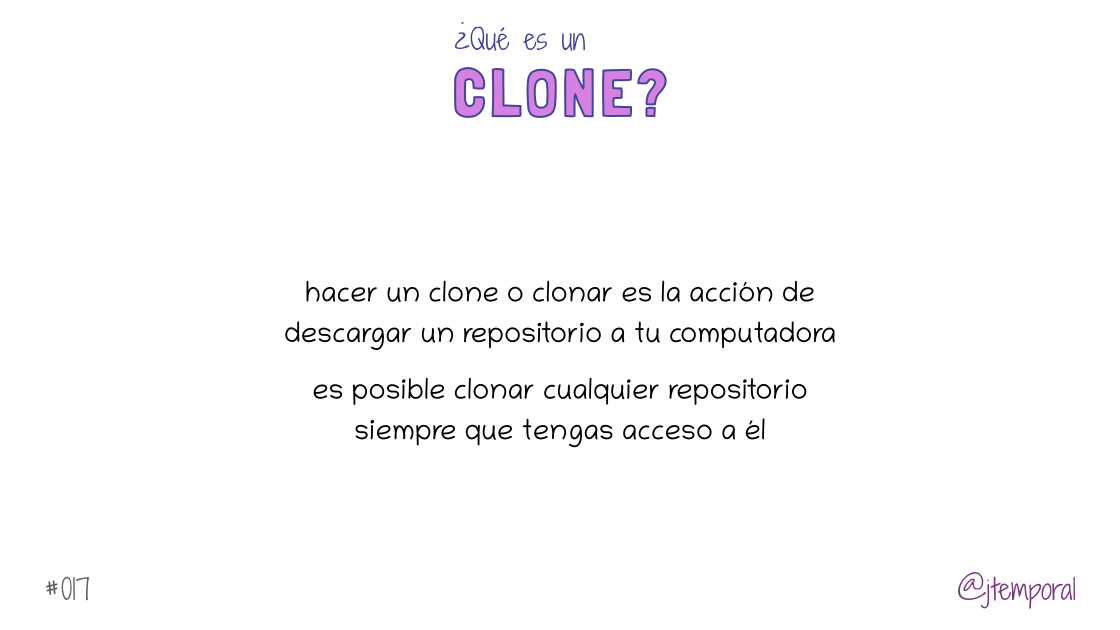
#017: ¿Qué es un clone?
#017 ¿Qué es un clone? concepto
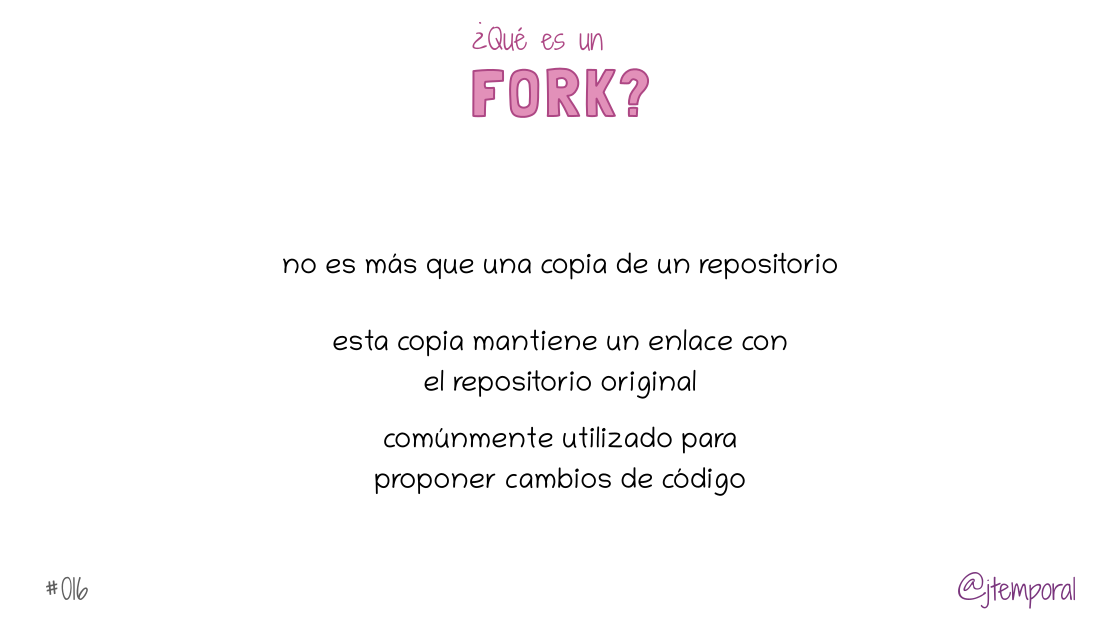
#016: ¿Qué es un fork?
#016 ¿Qué es un fork? concepto
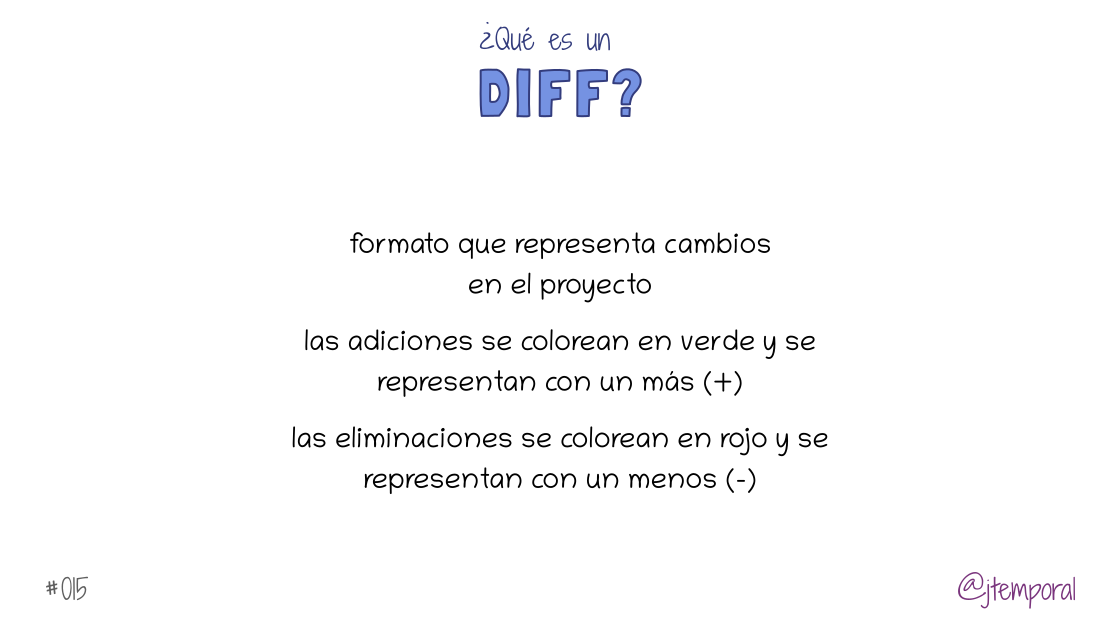
#015: ¿Qué es un diff?
#015 ¿Qué es un diff? concepto
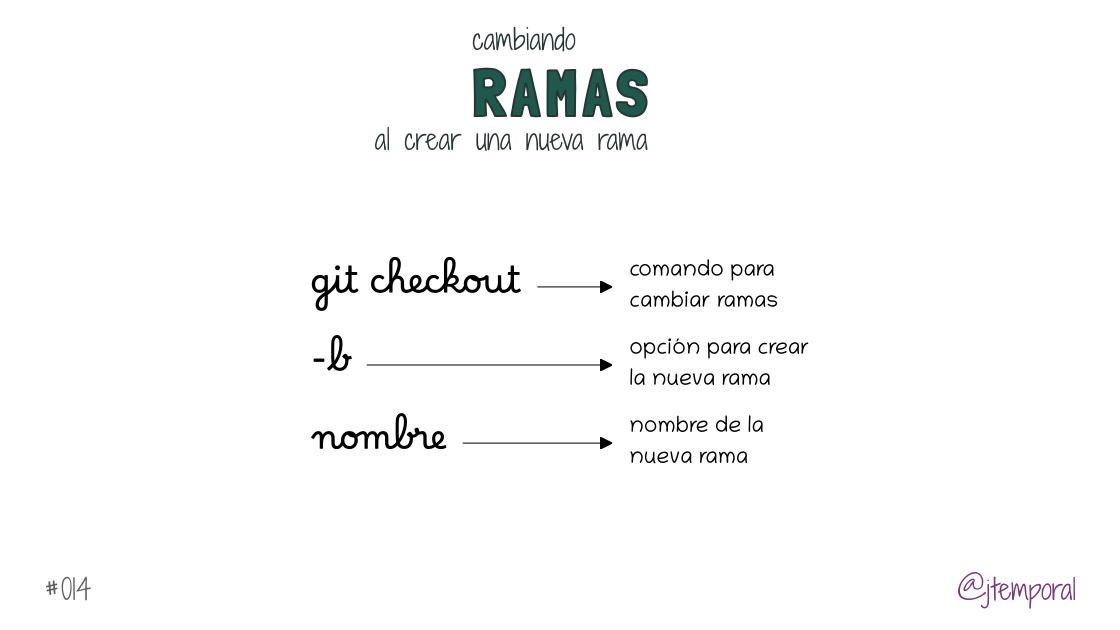
#014: cambiando ramas al crear una nueva rama. git checkout -b nombre
#014 git checkout -b nombre
#013: Qué es el Head
#013 Qué es el Head concepto
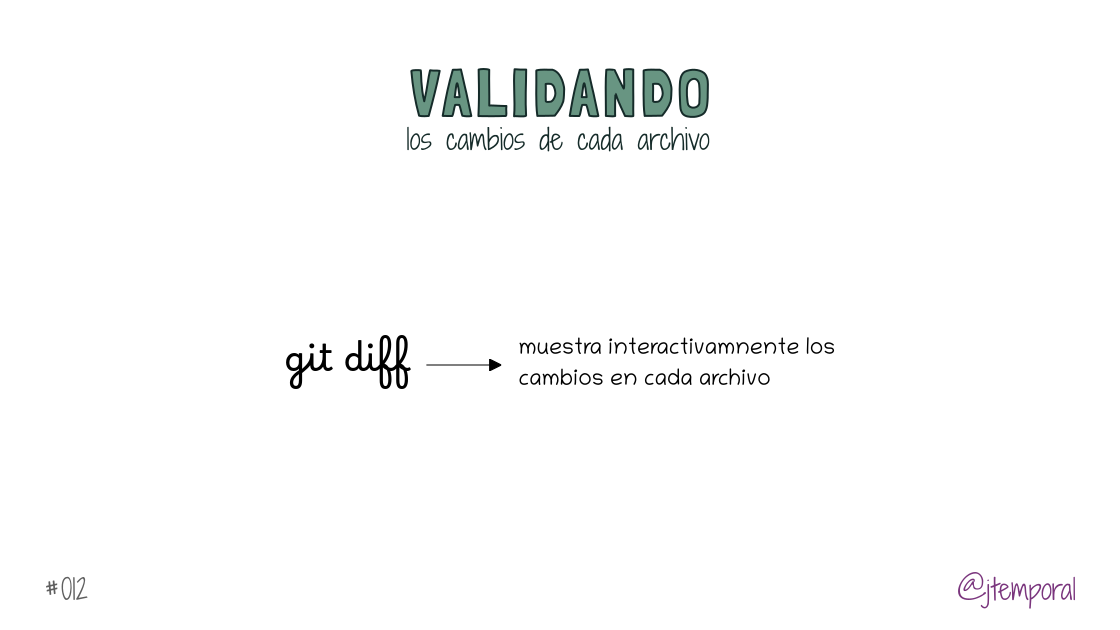
#012: Validando los cambios de cada archivo. git diff
#012 git diff
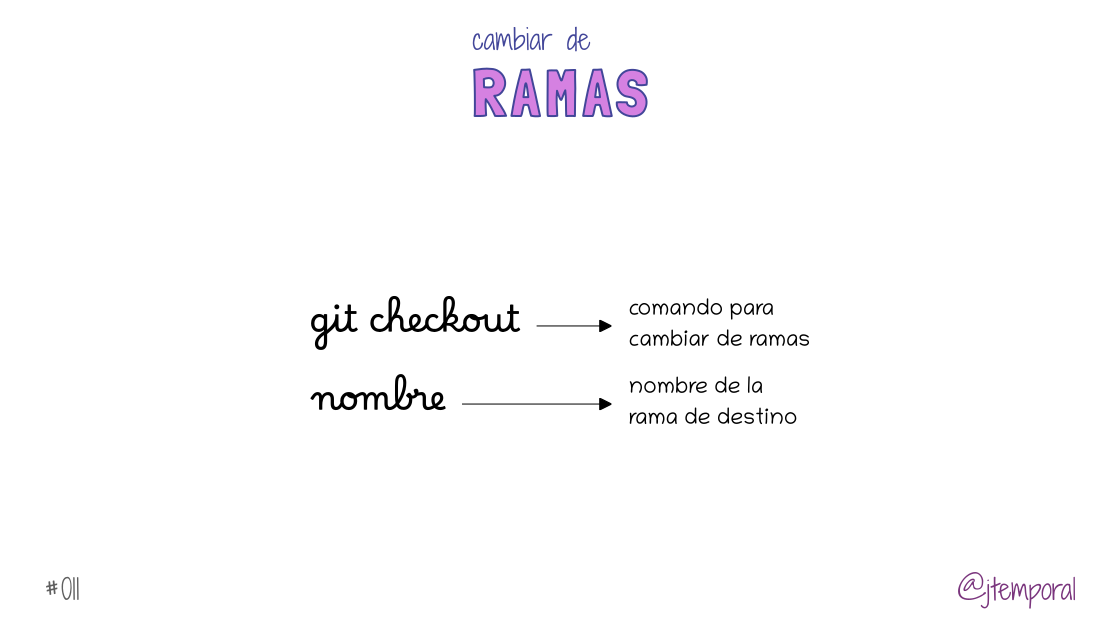
#011: cambiar de Ramas. git checkout nombre
#011 git checkout nombre
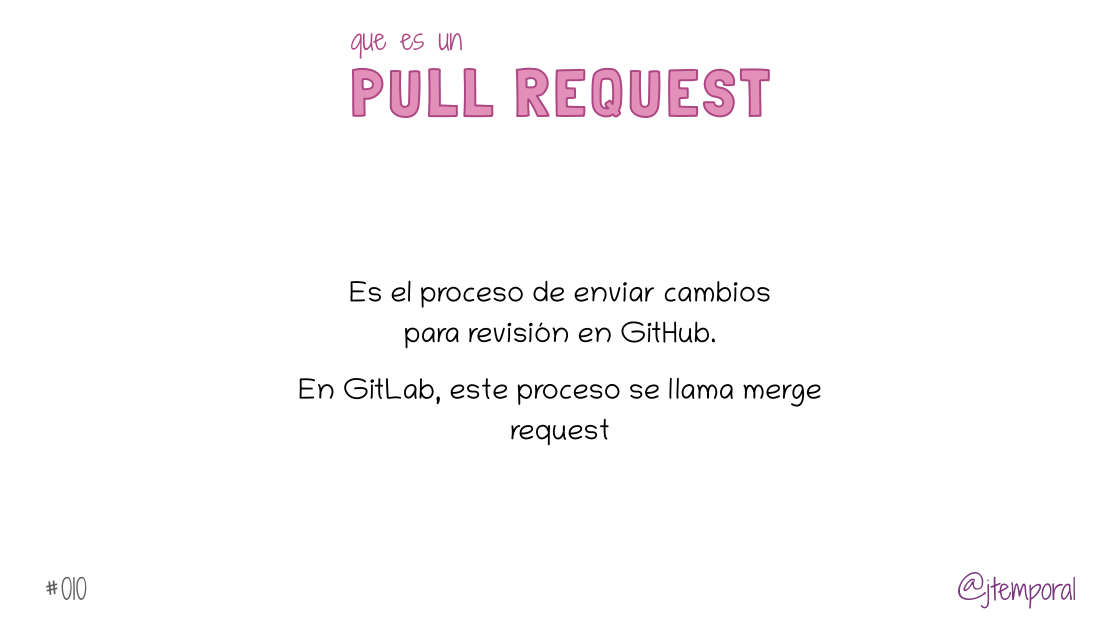
#010: que es un pull request
#010 que es un pull request concepto
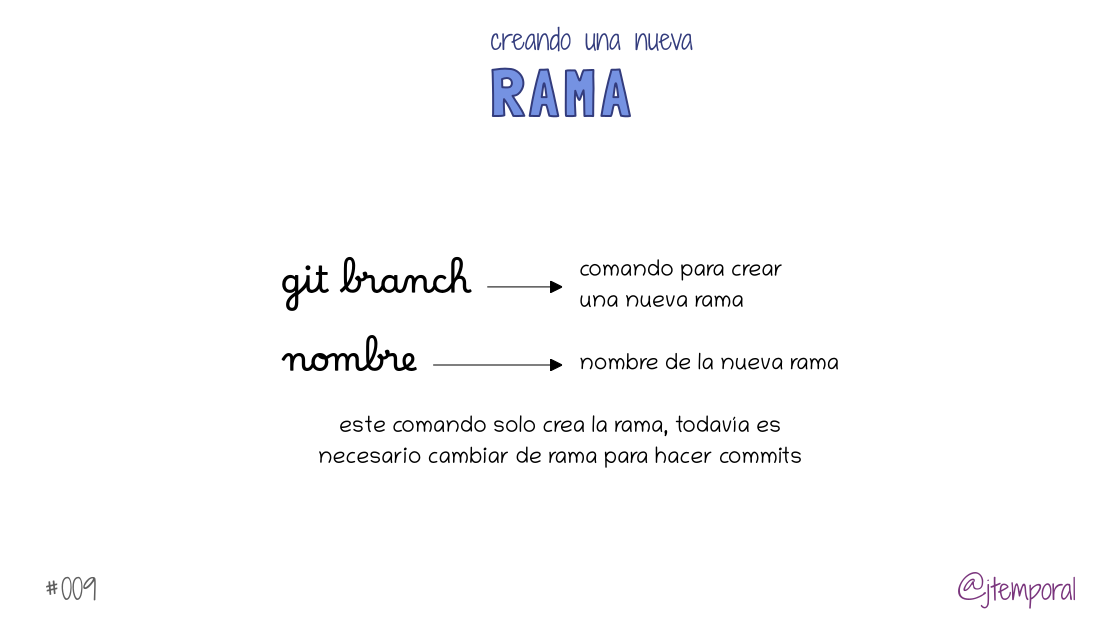
#009: creando una nueva Rama. git branch nombre
#009 git branch nombre
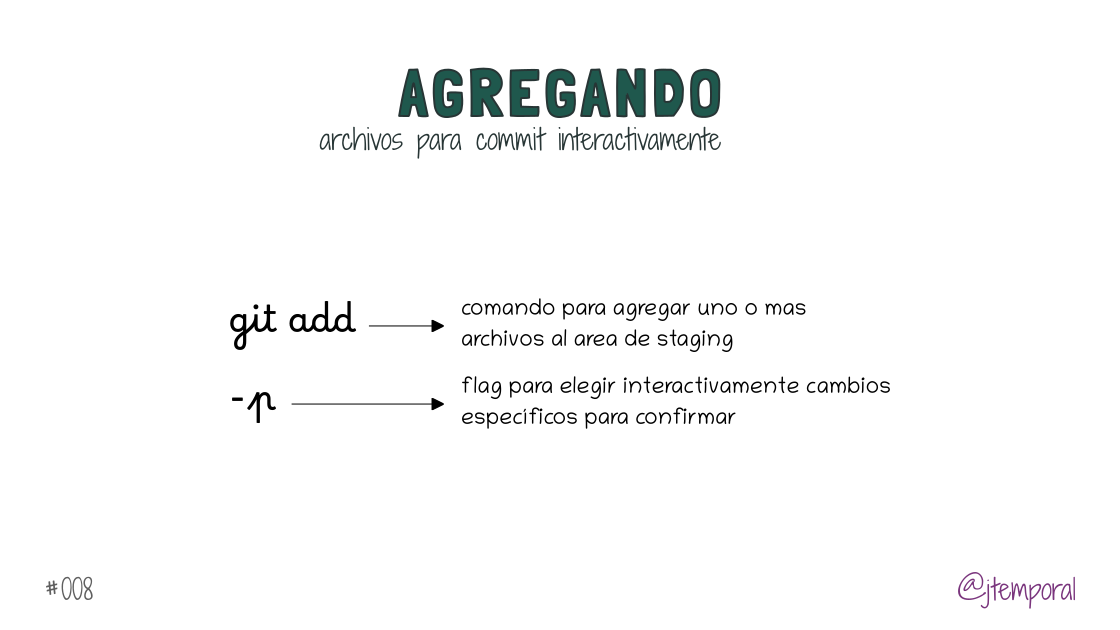
#008: Agregando archivos para commit interactivamente. git add -p
#008 git add -p
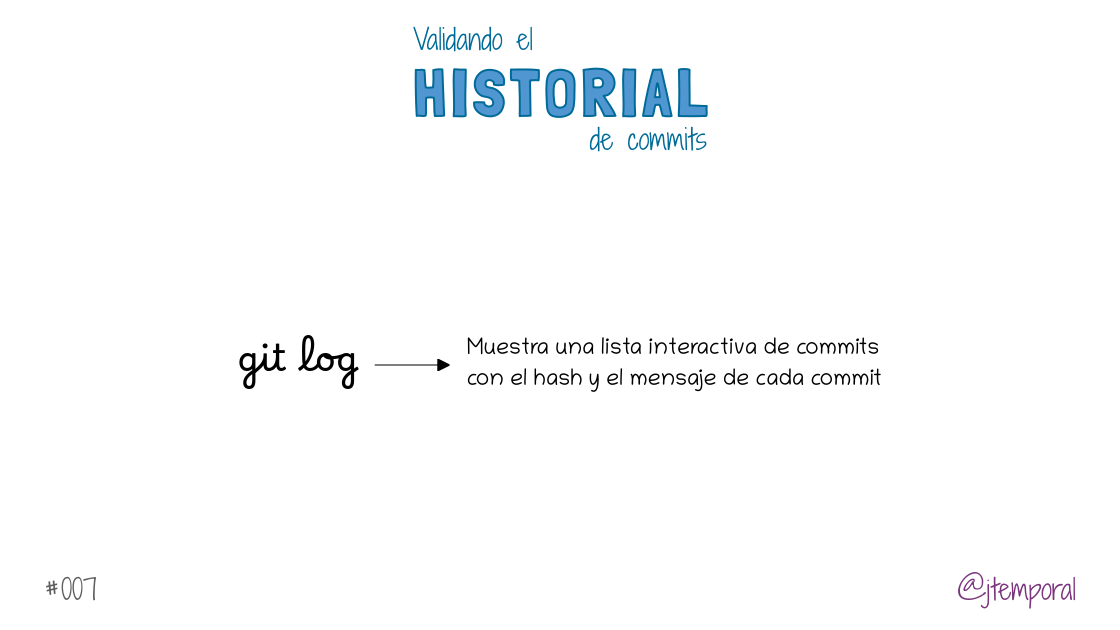
#007: Validando el historial de commits. git log
#007 git log
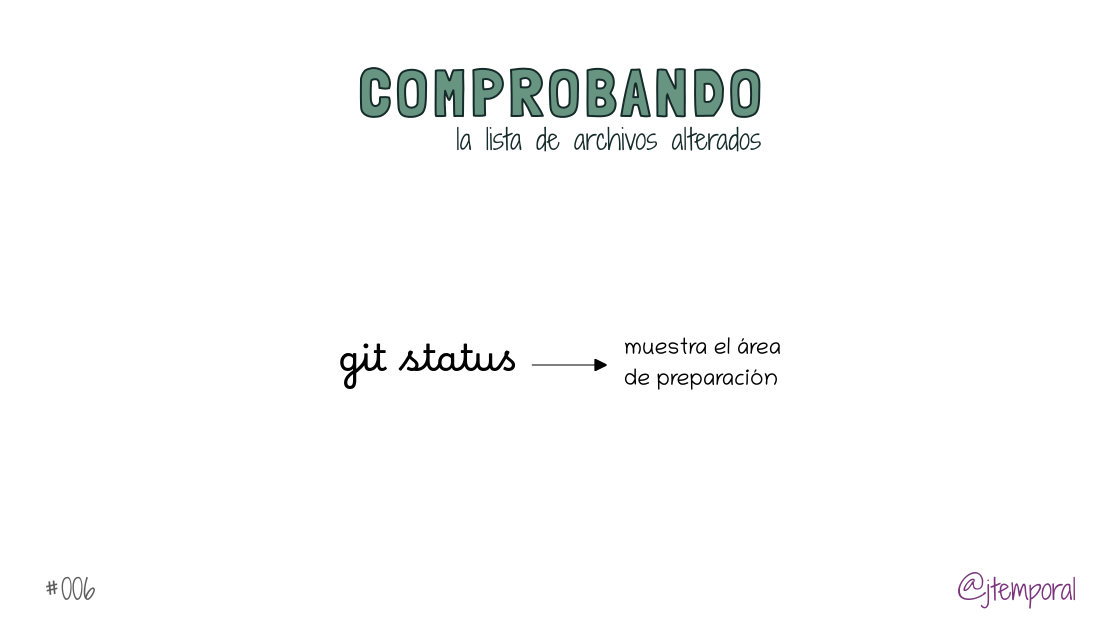
#006: comprobando la lista de archivos alterados. git status
#006 git status
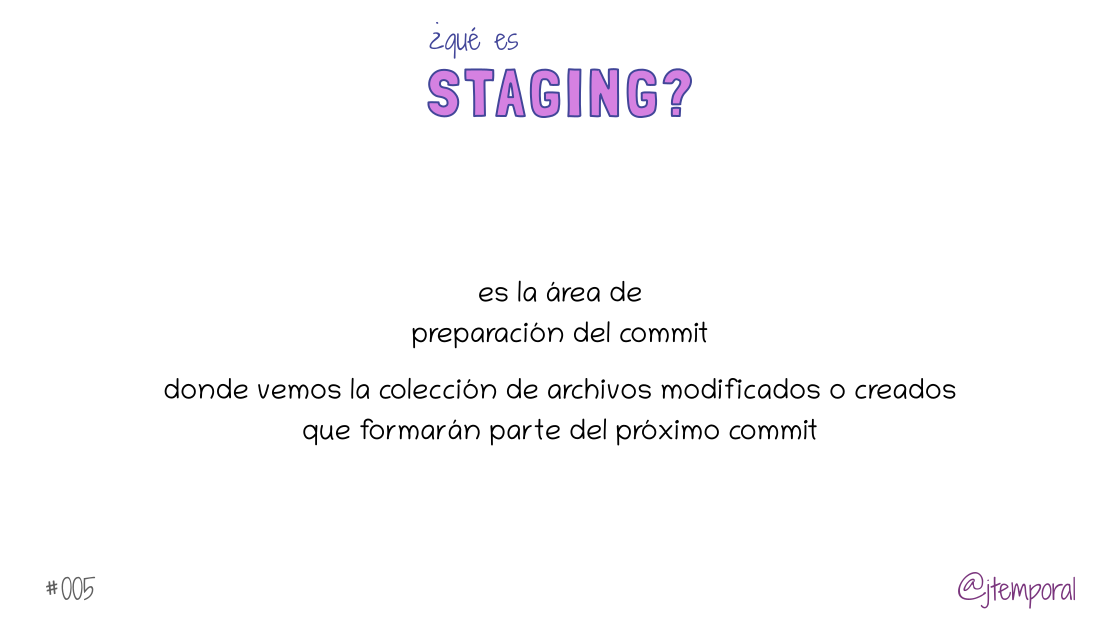
#005: ¿qué es staging?
#005 ¿qué es staging? concepto
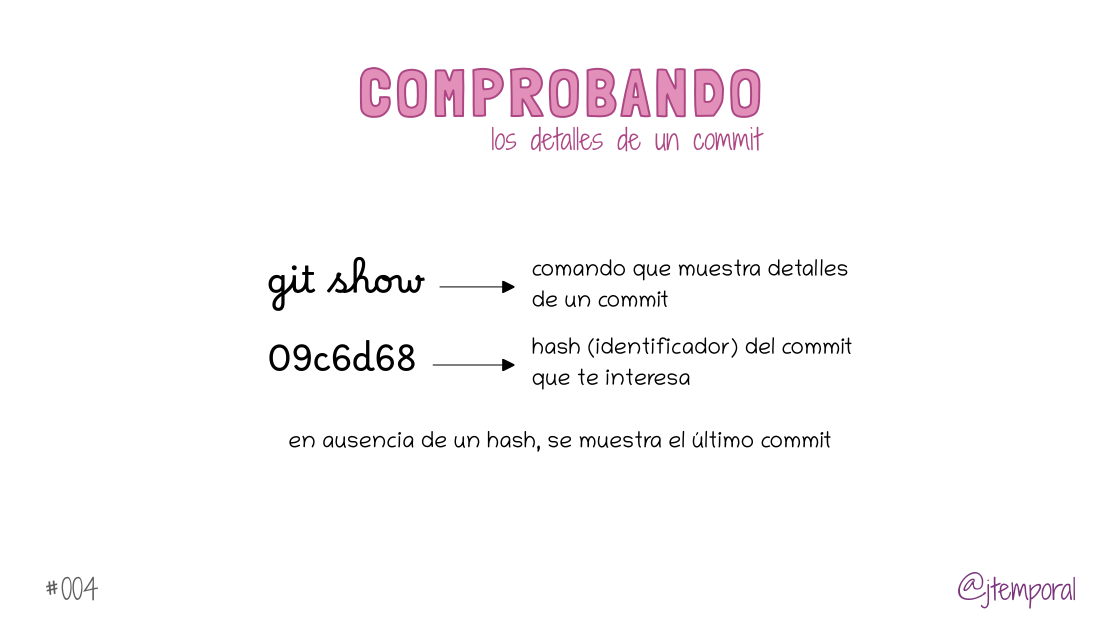
#004: Comprobando los detalles de un commit. git show 09c6d68
#004 git show 09c6d68
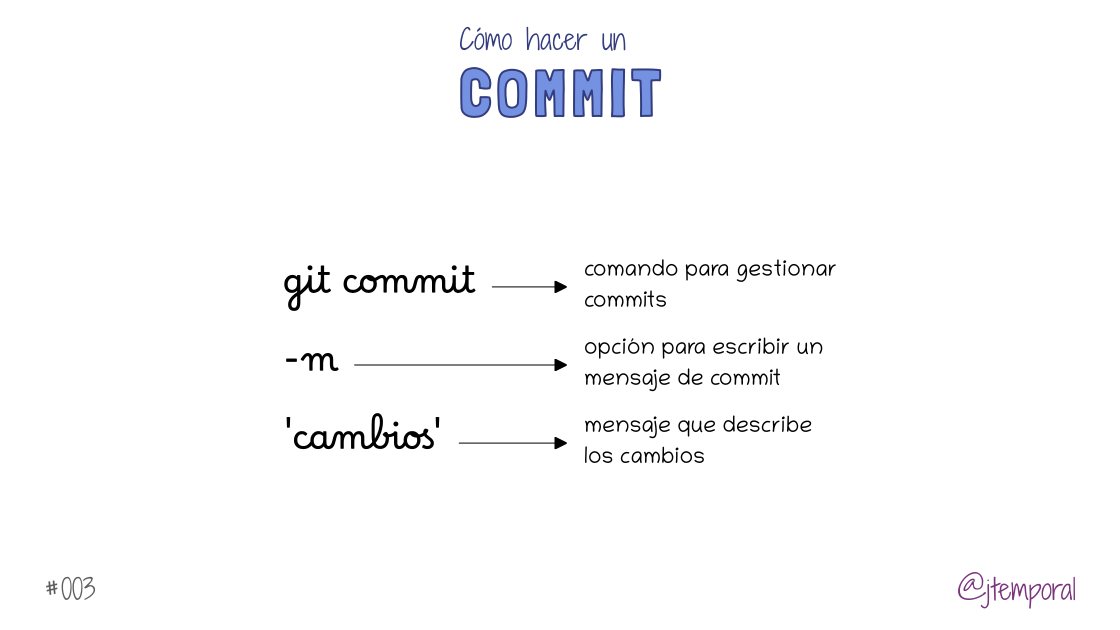
#003: Cómo hacer un Commit. git commit -m 'cambios'
#003 git commit -m 'cambios'
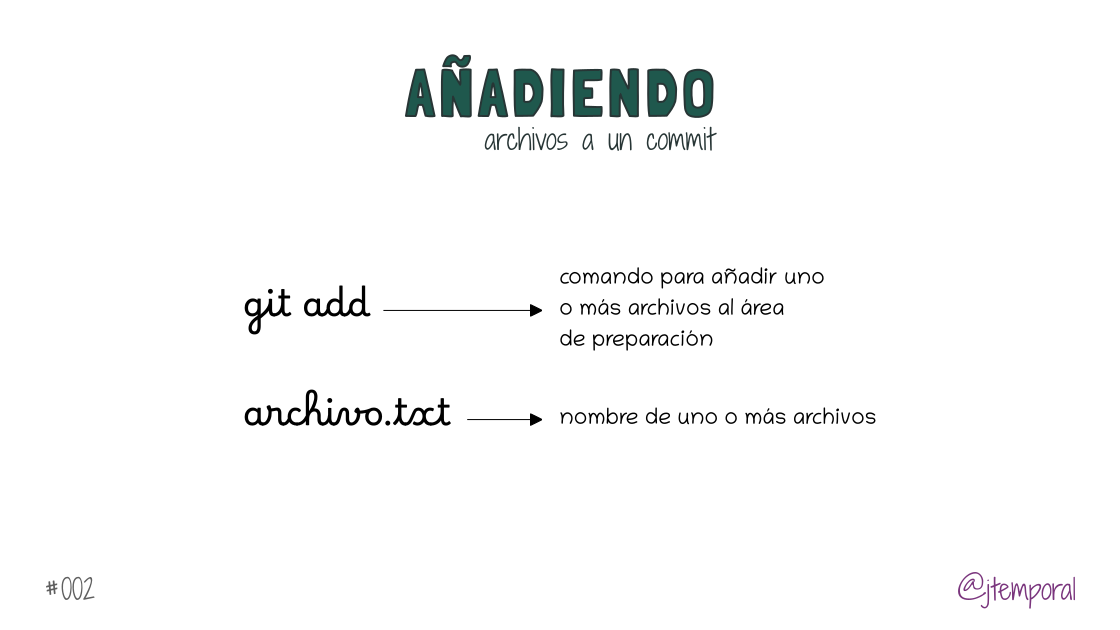
#002: Añadiendo archivos a un commit. git add archivo.txt
#002 git add archivo.txt
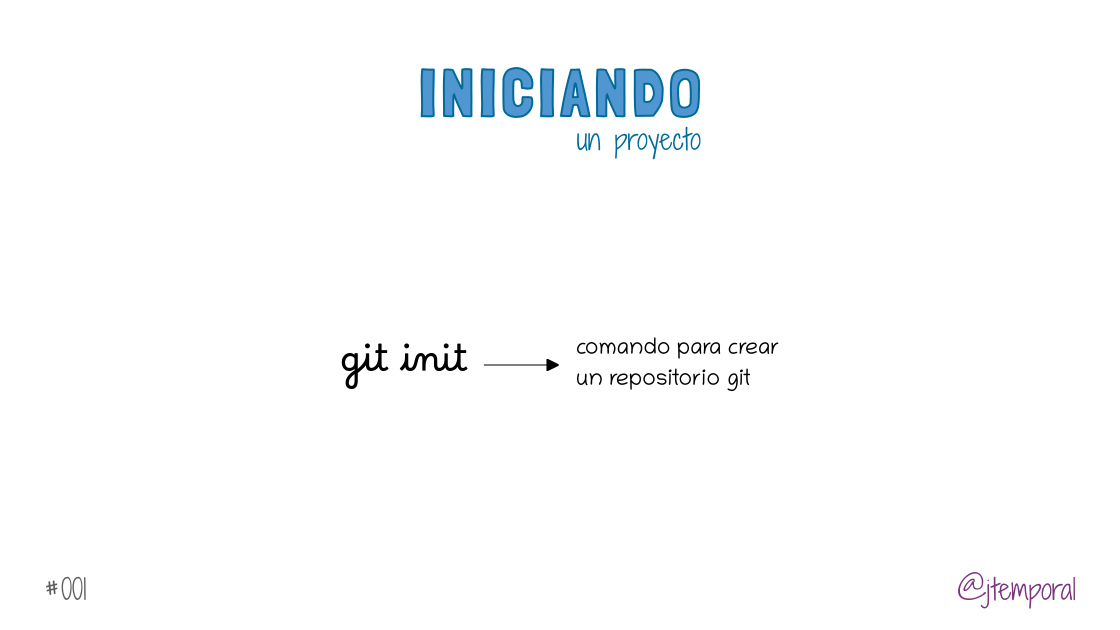
#001: Iniciando un proyecto. git init
#001 git init